Find a power-hungry appliance
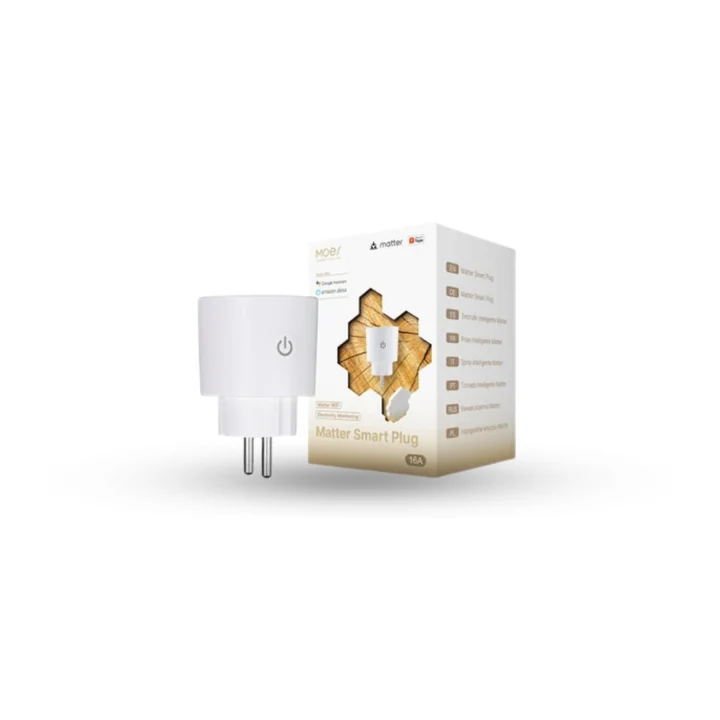
MOES metering plug
Start with one suitable plug-in appliance and see what it uses before planning a wider setup.
Wi-Fi · TuyaEntertainment
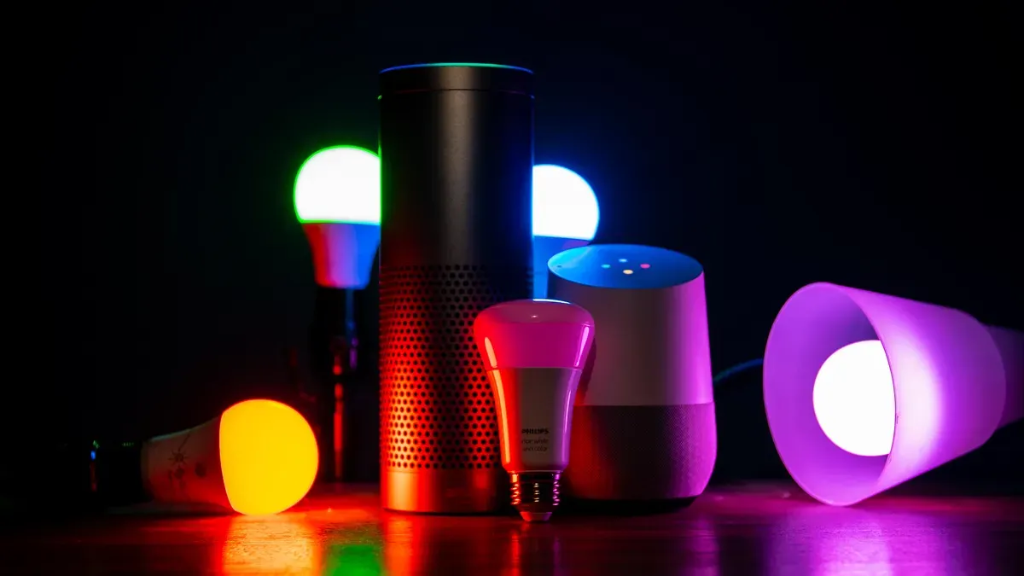
The TV, the speakers and the lights that set the mood, working as one. Start a film and the room dims itself; put on music and it plays where you are, on the speakers that support it.
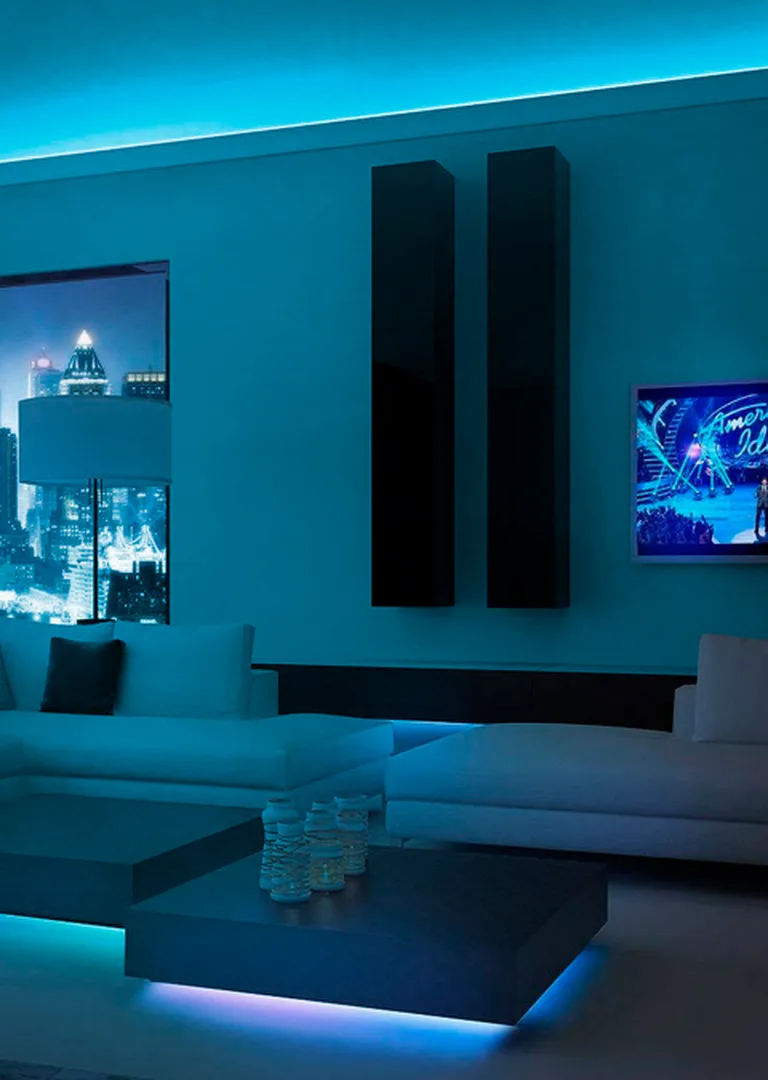
TVs, speakers and projectors
Meet the devices
A smart TV, a remote, a speaker and a light strip each join in their own way. We match each one to the room.
Start with one suitable plug-in appliance and see what it uses before planning a wider setup.
Wi-Fi · Tuya
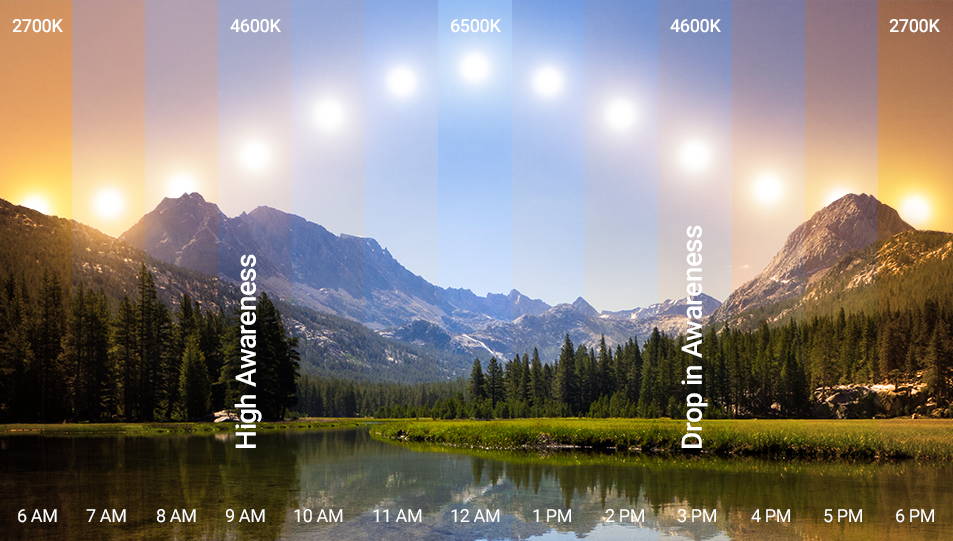
Colour, brightness and a warmer evening, without replacing the light fitting.
Matter over Wi-Fi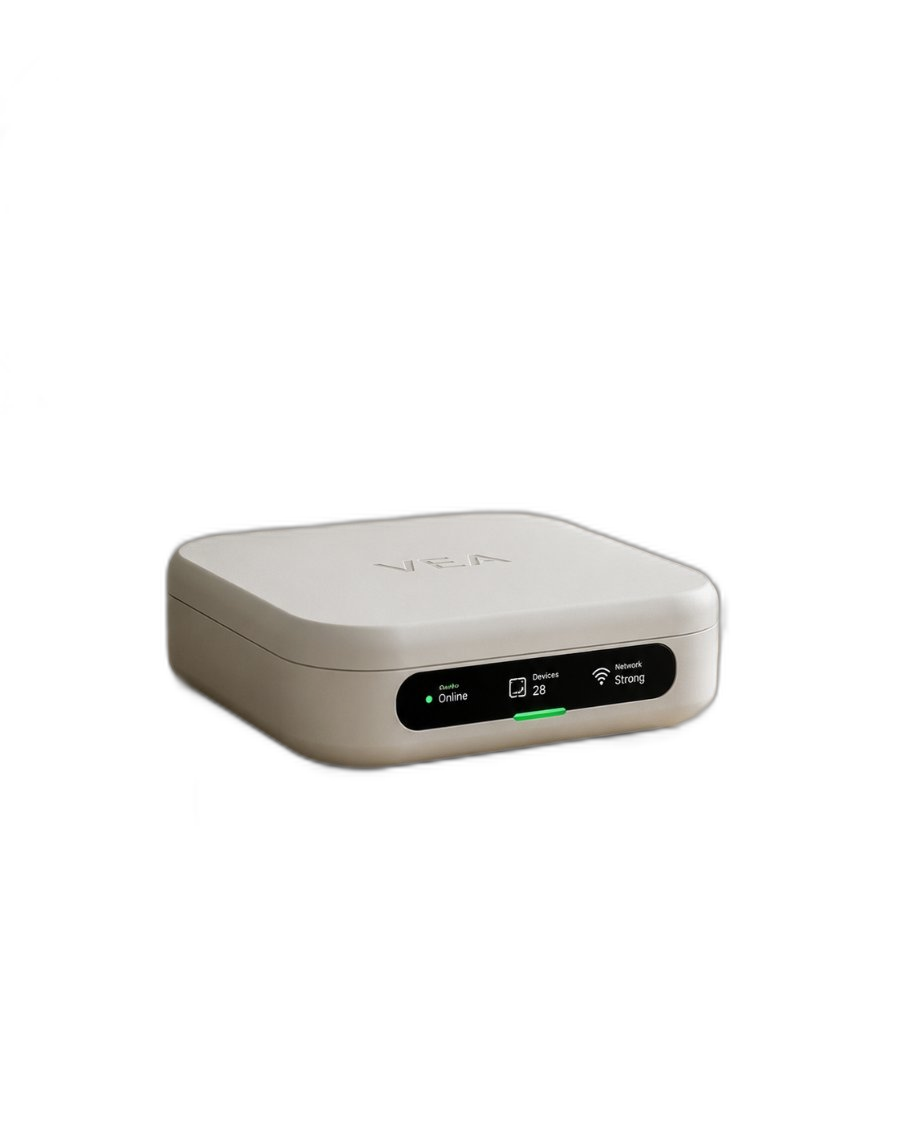
Connect suitable devices and interfaces, then organise them as one home in VeaHome.
Local network · compatible interfacesExamples to help plan your setup. We confirm the model, supported functions and installation requirements before recommending a connection.
What you can do
The lights dim, the blinds close and the TV comes on, from one tap in the app, a wall button or a routine.
Turn supported smart TVs on and off, change the volume and the input, beside the rest of the room.
The remote control extender (coming soon) sends what your remotes send, for the TV, the receiver or the projector.
Play to supported speakers, in one room or in several at once.
A TV backlight and LED strips add colour around the screen and the room for films and games.
Say movie night and Alfred sets the room the way you like it.
From a device to an everyday habit
A useful routine starts with a signal and ends with something taken care of.
The lights fade to 10%, the backlight comes on, the TV switches to the right input, and the AC settles at 23 degrees.
Soft music plays in the living room and on the terrace, and the lights turn warm.
The TV, the speakers and the screen lights turn off with the rest of the house.
Example routines, configured around your devices and preferences.
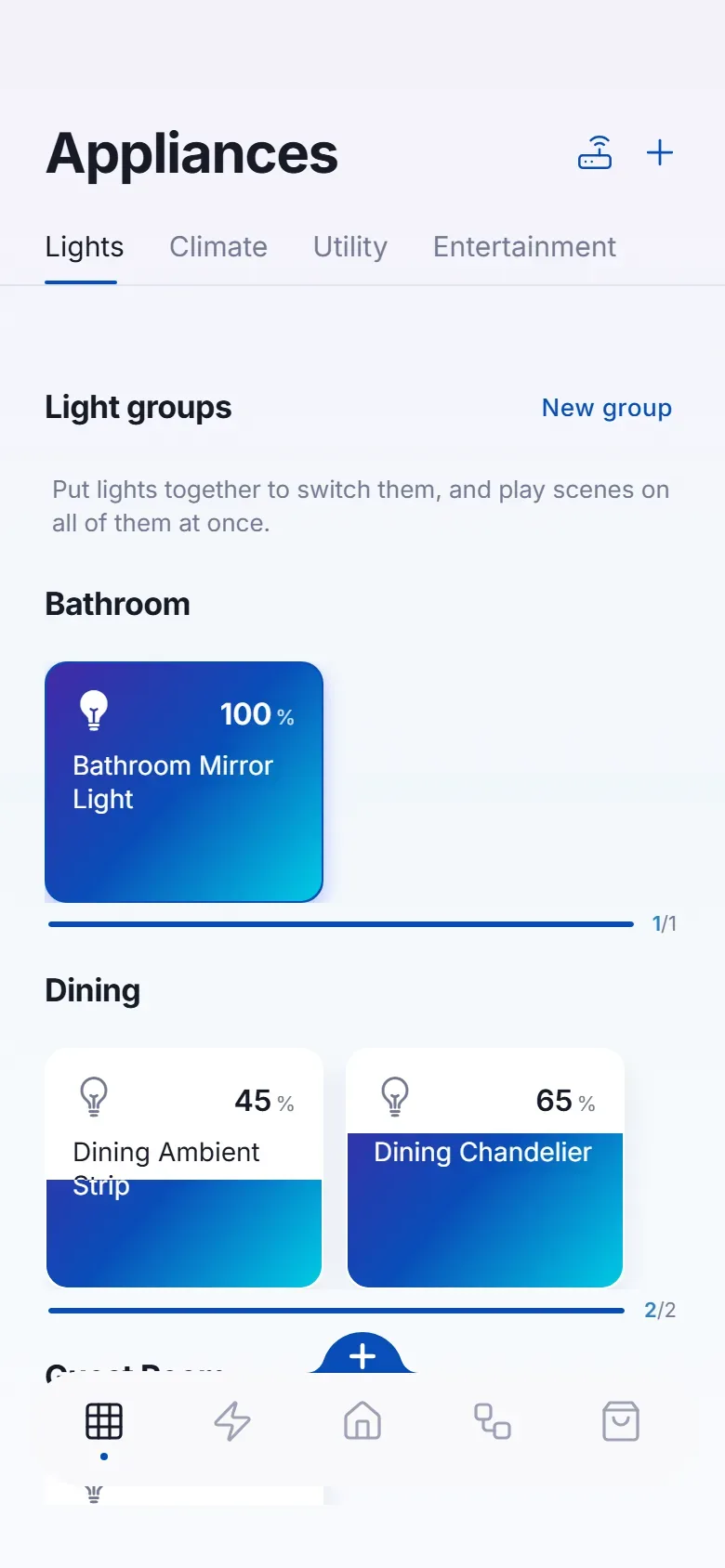
The connections behind the experience
Use the equipment you own, add the right interface, and bring the useful controls into VeaHome.
Supported LG, Samsung and Android TVs. We check the model before promising it.
It sends what the remote sends; it may not report the device's actual state.
Bring screen lights and supported speakers into the same scenes as the room.
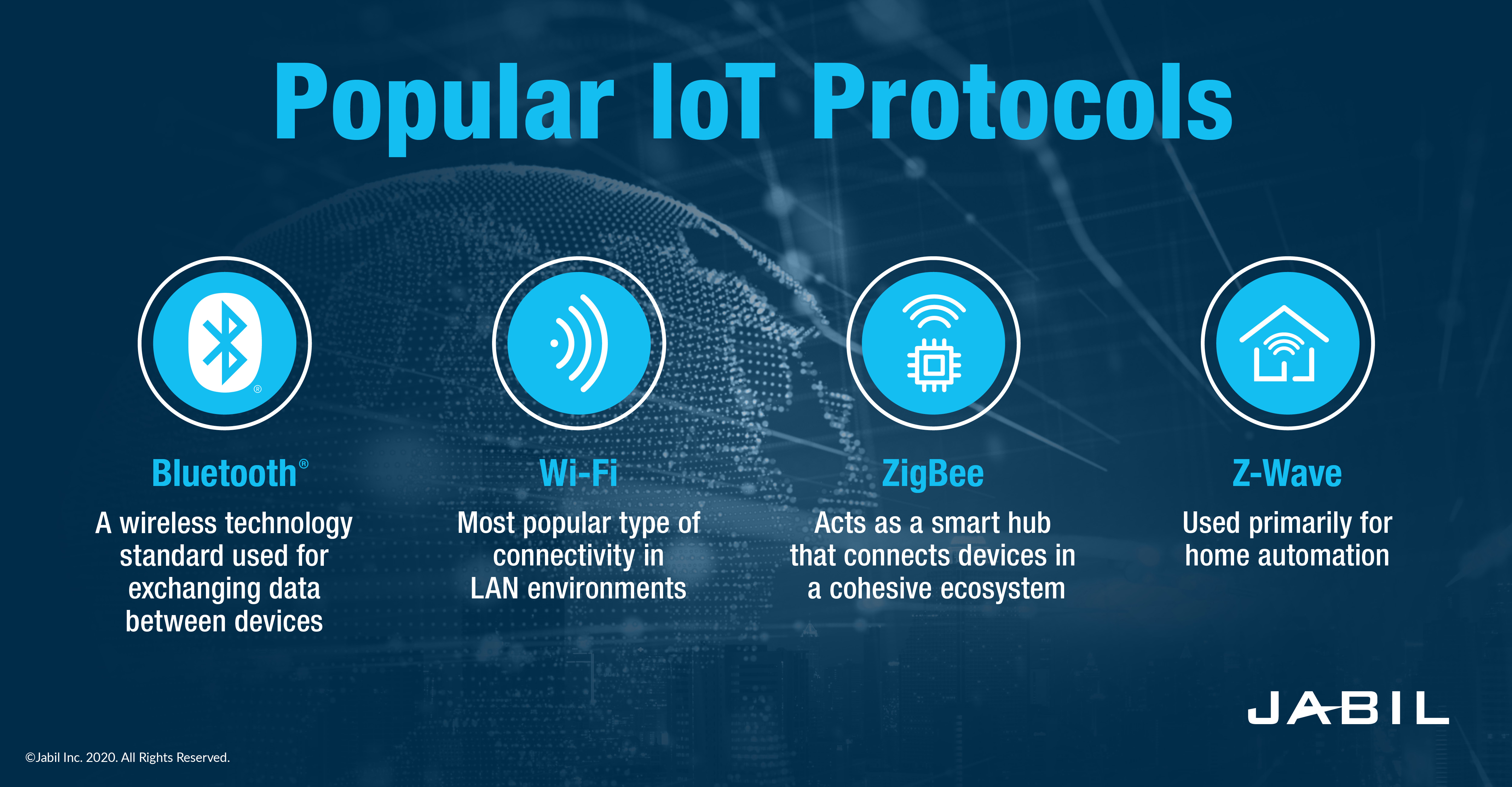
Existing networks and suitable interfaces can work together.

Integrations, hosted for you. Brand integrations that work through a cloud service run on our servers in every plan, or in your home on a VeaHome Local Server. How many brand accounts you can link depends on your plan. Compatible Vea devices and local connections work without a subscription. Cloud-only services still need the internet.
Protocols shown are connection options, not radios built into every VeaHub. We match the controller, adapter or gateway to your devices.
Ideas you can take home
Across the whole home
Set the mood. Find your comfort. Take care of the everyday.
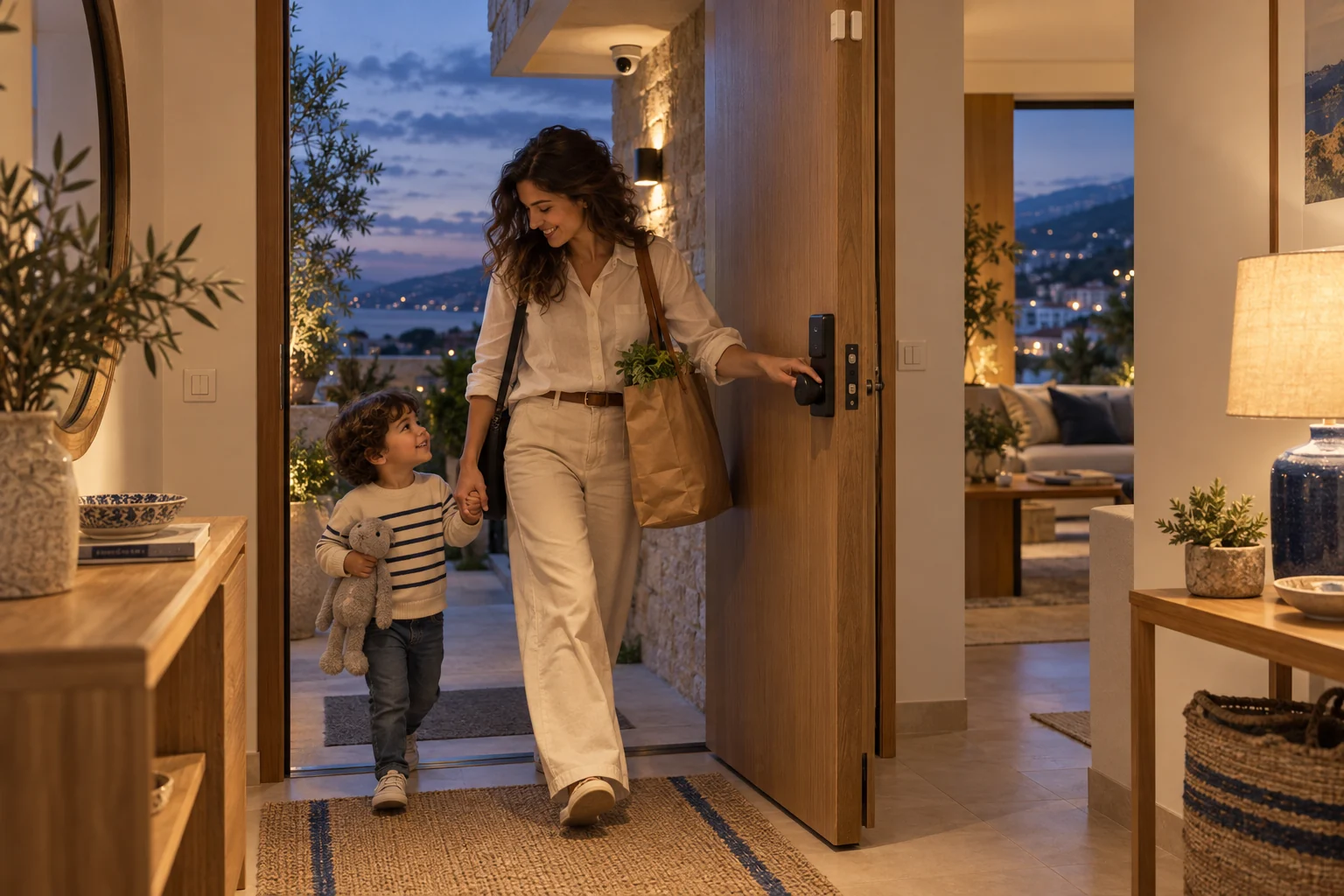 SecurityKnow what is happening at home, and act on it from the app.
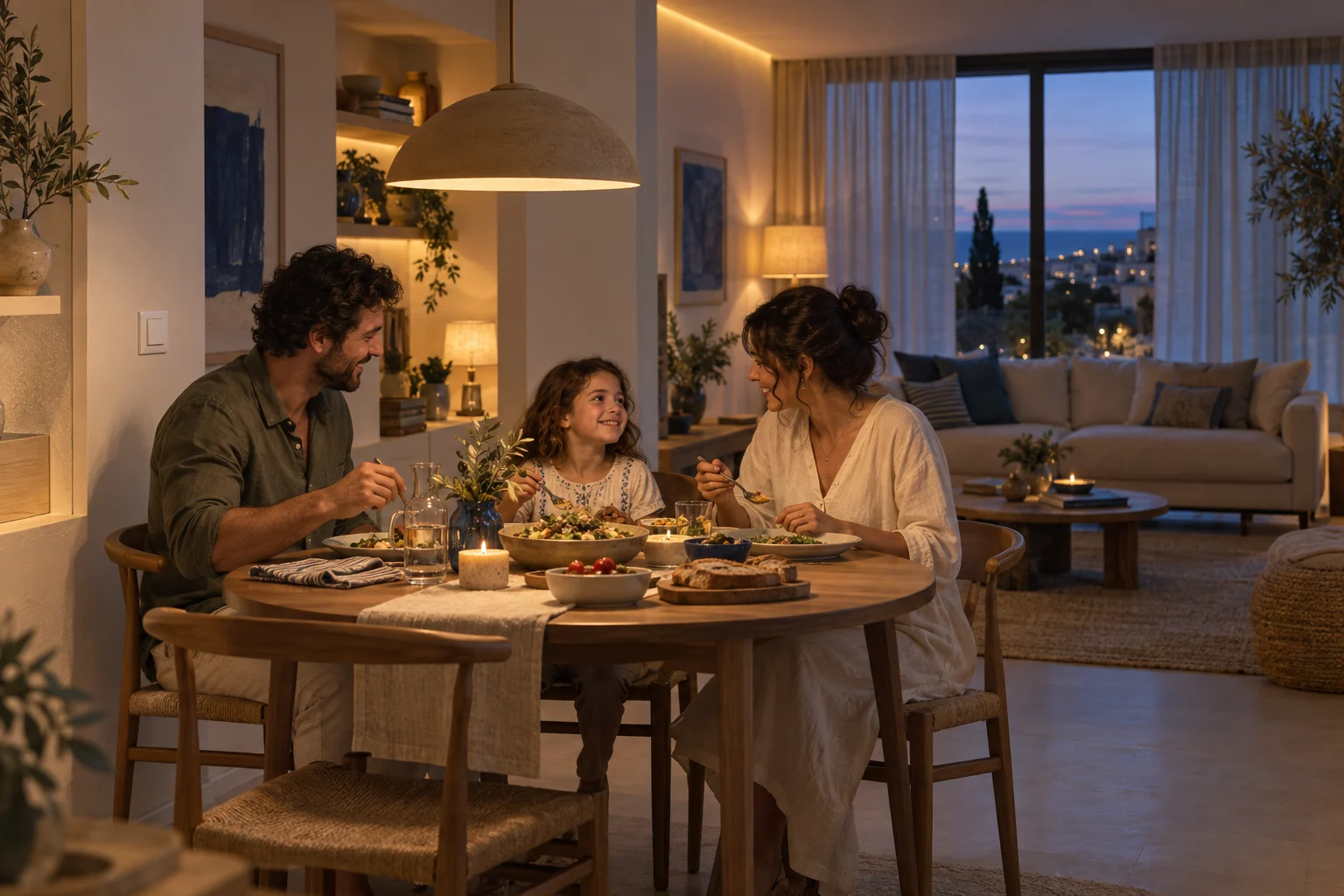 LightingEvery light in the house, set the way the moment needs.
 UtilityWater, power and the equipment that keeps the house running, on a schedule and in view.
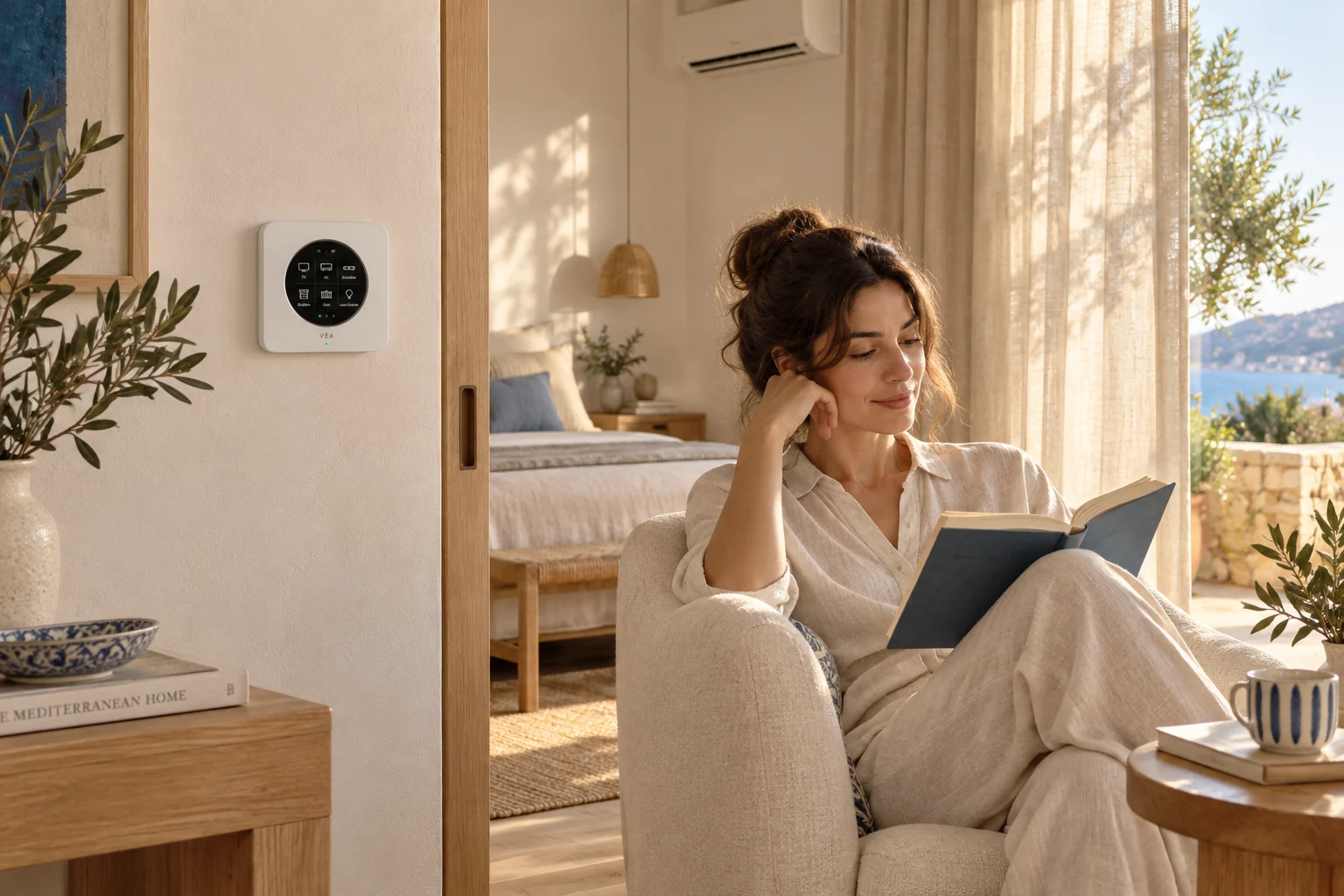 ClimateComfort in every room, without running anything longer than it needs to.You are hereEntertainmentThe TV, the music and the lights, ready for the film with one tap.
Good questions
Many smart TVs can be controlled from the app; for one that only has a remote, the remote control extender sends its commands. We check your model before promising it.
Yes. Everything keeps working by hand; the app and the scenes are one more way in.
It depends on the speaker. We check which of yours can join, and suggest models for a room that has none.
Bring your home to life
Start with your devices. We’ll help connect the possibilities.
Talk through your home and goals before choosing your setup.
We review the devices and connection requirements with you.
Replacement support for covered hardware, under the agreed warranty terms.
Setup guidance and care options from the VeaLife team.