Keep your remote-controlled AC
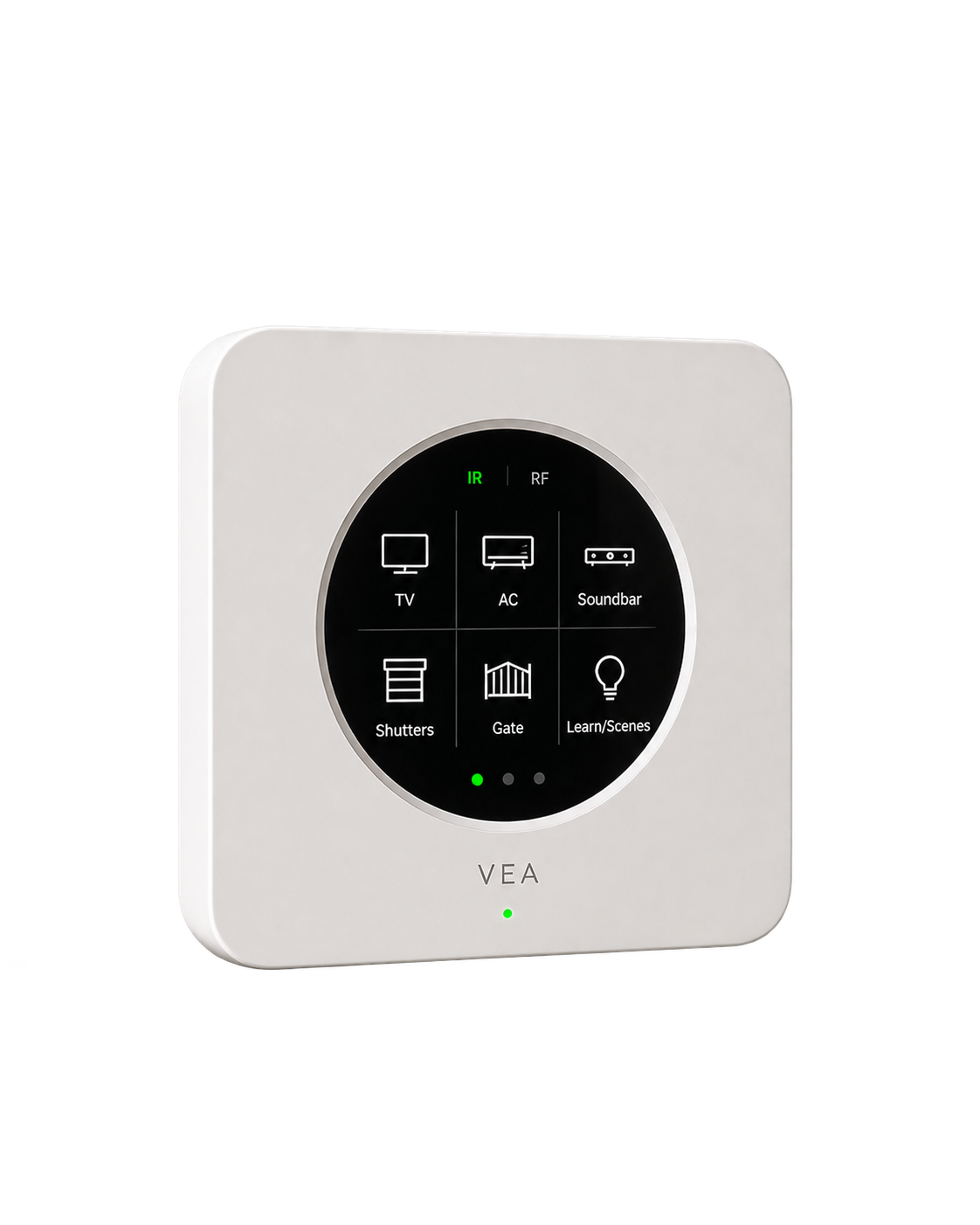
VeaBlaster
Give compatible infrared appliances a place in your routines.
Infrared · supported RFClimate
Air conditioners, heaters, shutters and curtains, with the readings that tell you what a room actually feels like. Cool the bedroom before you get there, close the shutters against the afternoon sun, and know when the air needs changing.

Air conditioners, smart or not
Meet the devices
A connected AC, an infrared remote and a room sensor need different paths. We match the setup to the equipment you have.
Give compatible infrared appliances a place in your routines.
Infrared · supported RF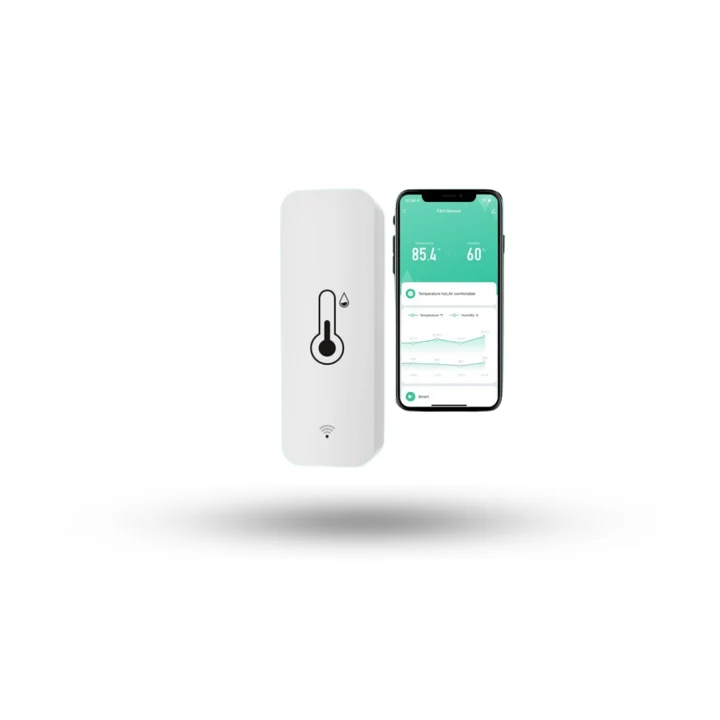
Use temperature and humidity readings to decide when a comfort routine should run.
Wi-Fi · Tuya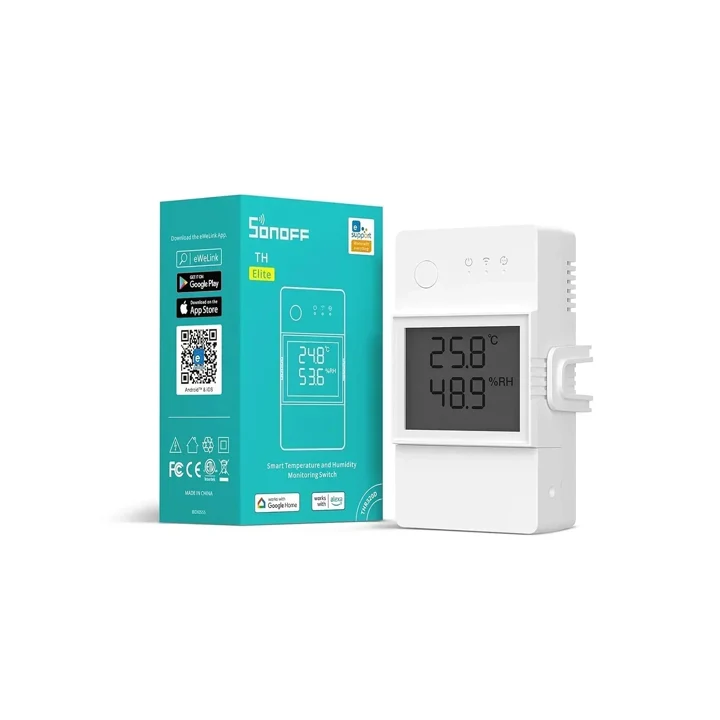
Pair a supported temperature probe with a correctly rated control circuit.
Wi-Fi · compatible probe
Connect suitable devices and interfaces, then organise them as one home in VeaHome.
Local network · compatible interfacesExamples to help plan your setup. We confirm the model, supported functions and installation requirements before recommending a connection.
What you can do
A connected AC joins through its brand. An ordinary one, with only a remote, joins through VeaBlaster, which speaks its infrared.
Set mode, temperature, fan and swing from the room's card, and see the temperature the room has reached, not only the one you asked for.
Open, stop and close, or set a position. Shutters live with climate because that is what they are for: light and heat.
A room sensor reports temperature and humidity, so a routine can act on the room rather than on the clock.
Cool or heat around the hours a room is used, and let it rest the rest of the time.
With a presence sensor, the AC can stand down when a room has been empty for a while.
From a device to an everyday habit
A useful routine starts with a signal and ends with something taken care of.
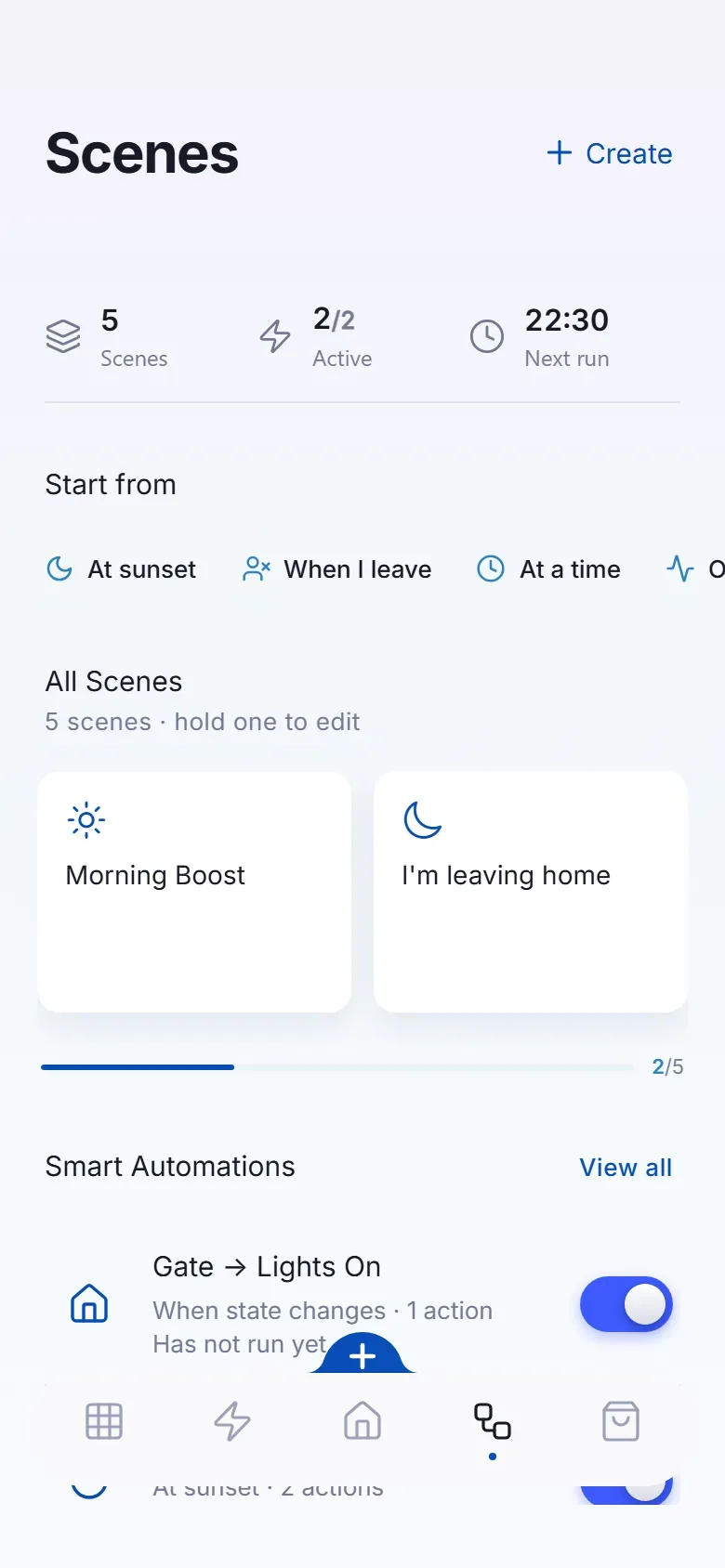
The living room AC starts at 24°C twenty minutes before you arrive, and the bedroom waits until the evening.
Those shutters drop to half, and the AC does not have to fight the glass.
You get a nudge to open a window, or a connected fan starts on its own.
Example routines, configured around your devices and preferences.
The connections behind the experience
Use the equipment you own, add the right interface, and bring the useful controls into VeaHome.
We check the exact model and the controls its integration exposes.
IR sends a command; it may not report the AC’s actual state. A room sensor provides temperature feedback.
Coordinate supported shading with temperature and daylight, including suitable Overkiz installations.
Existing networks and suitable interfaces can work together.

Integrations, hosted for you. Brand integrations that work through a cloud service run on our servers in every plan, or in your home on a VeaHome Local Server. How many brand accounts you can link depends on your plan. Compatible Vea devices and local connections work without a subscription. Cloud-only services still need the internet.
Protocols shown are connection options, not radios built into every VeaHub. We match the controller, adapter or gateway to your devices.
Ideas you can take home
Across the whole home
Set the mood. Find your comfort. Take care of the everyday.
 LightingEvery light in the house, set the way the moment needs.You are hereClimateComfort in every room, without running anything longer than it needs to.
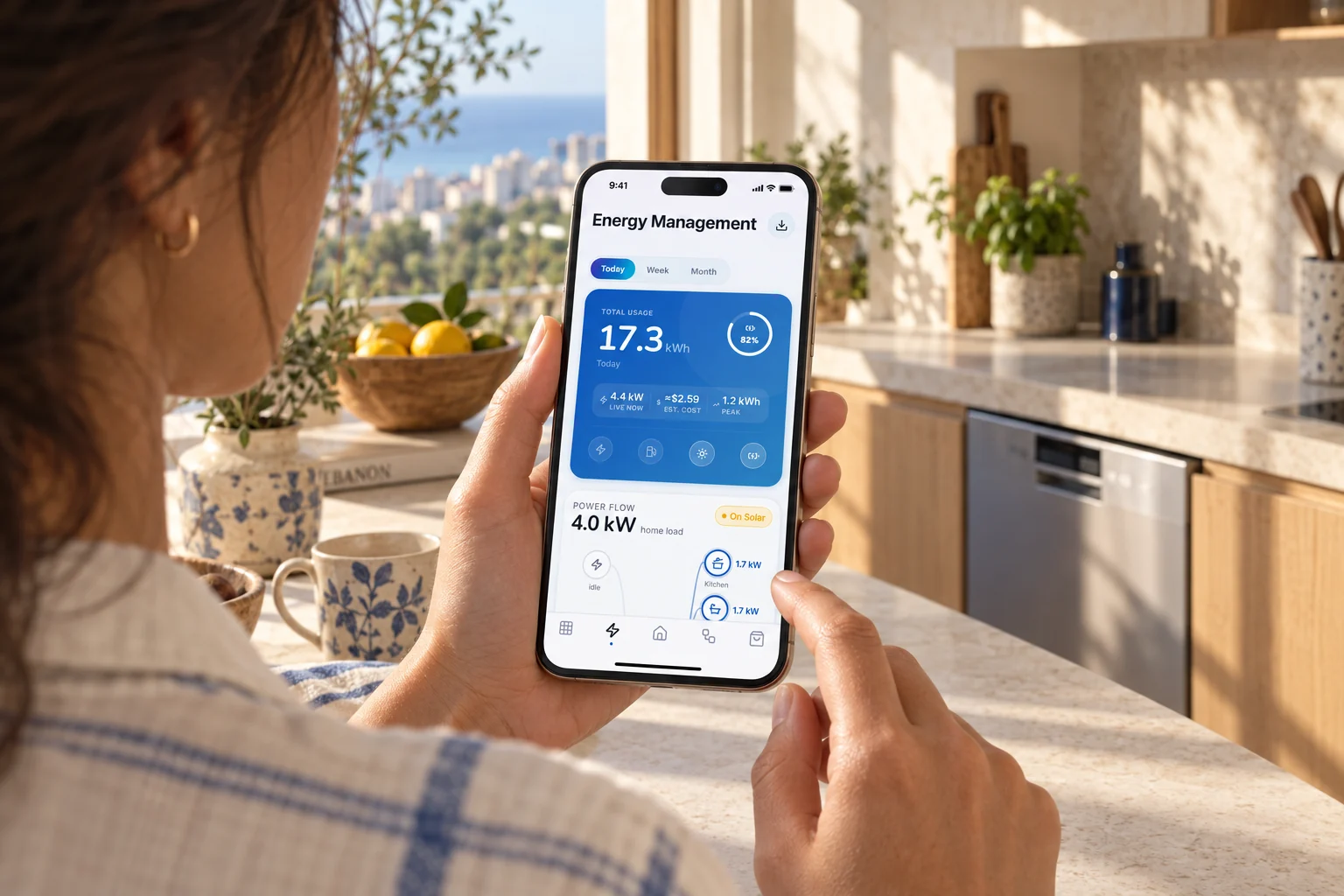 EnergySee where the power goes, and what it costs, as it happens.
 SecurityKnow what is happening at home, and act on it from the app.
 UtilityThe hard-working parts of the house, from the water heater to the robot vacuum.
Good questions
Yes. If it has an infrared remote, VeaBlaster can send the same commands. It sits in the room within sight of the unit, and the AC appears in the app like any other.
With a connected AC, its own state is read back. With an infrared AC there is no reply from the unit, so a room temperature sensor is the way to confirm the room is actually cooling.
Yes. A scene can set lights, climate and shutters together, for example closing the bedroom shutters as part of goodnight.
Bring your home to life
Start with your devices. We’ll help connect the possibilities.
Talk through your home and goals before choosing your setup.
We review the devices and connection requirements with you.
Replacement support for covered hardware, under the agreed warranty terms.
Setup guidance and care options from the VeaLife team.