Start with a lamp
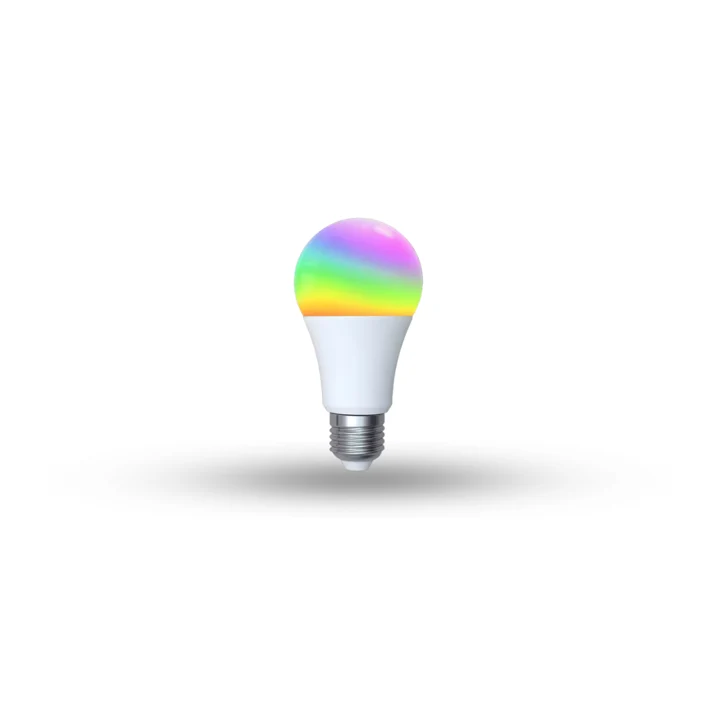
MOES Matter E27 bulb
Colour, brightness and a warmer evening, without replacing the light fitting.
Matter over Wi-Fi02 / Integration
A home collects brands: a Tuya switch here, a Sonoff plug there, an AC with its own app, a meter in the panel. Each works alone. We bring supported devices and systems into VeaHome, so one scene can dim the lights, set the AC and close the shutters together.
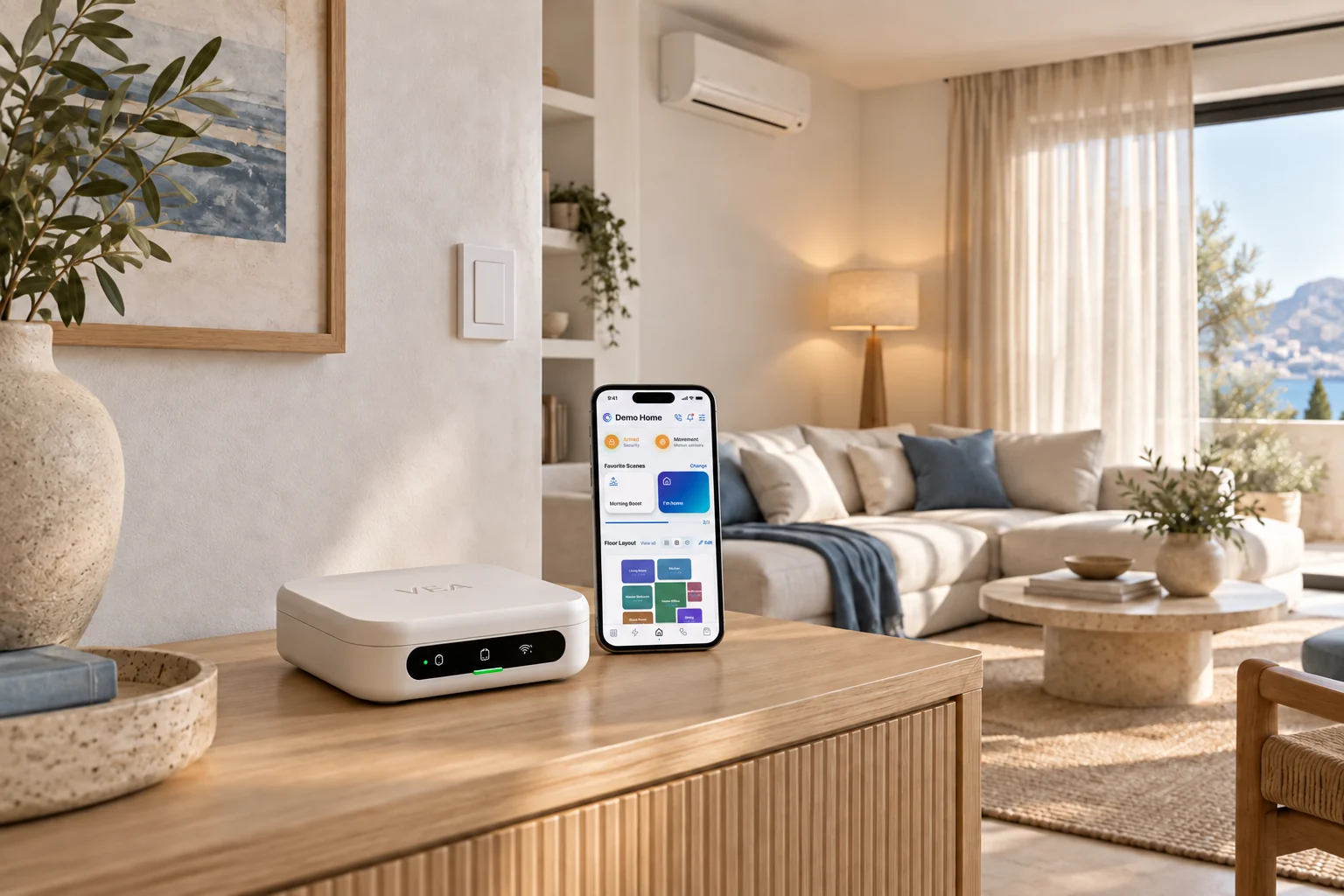
Different devices. One home.
What is included
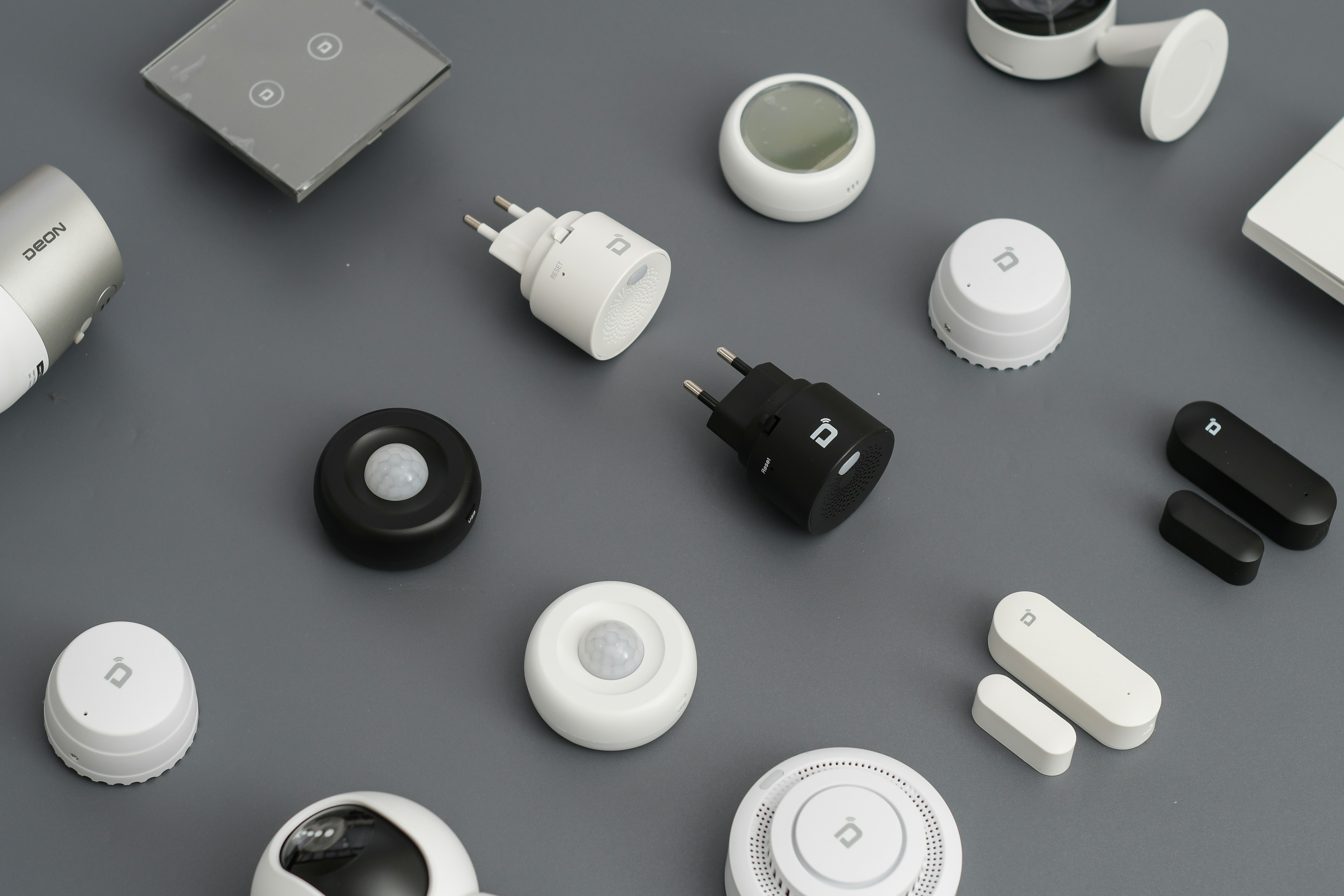
Supported devices from Tuya and Smart Life, Sonoff and eWeLink, Shelly, Philips Hue, Aqara and many more, brought in through their accounts or over your network.
Apple Home, Google Home, Amazon Alexa and SmartThings can stay. We connect what lives there to the rest of the house.
Modbus equipment can join through VeaHub, beside your wireless devices.
An air conditioner or a TV with only a remote joins through VeaBlaster, which speaks infrared and 433 MHz radio.
Once they are in one place, a routine can use any of them: a Hue lamp, a MOES dimmer and a Daikin AC in the same scene.
Brand integrations that work through a cloud service run on our servers in every plan, or in your home on a VeaHome Local Server. We tell you which of your devices depend on a cloud service.
Across the whole home
Set the mood. Find your comfort. Take care of the everyday.
 LightingEvery light in the house, set the way the moment needs.
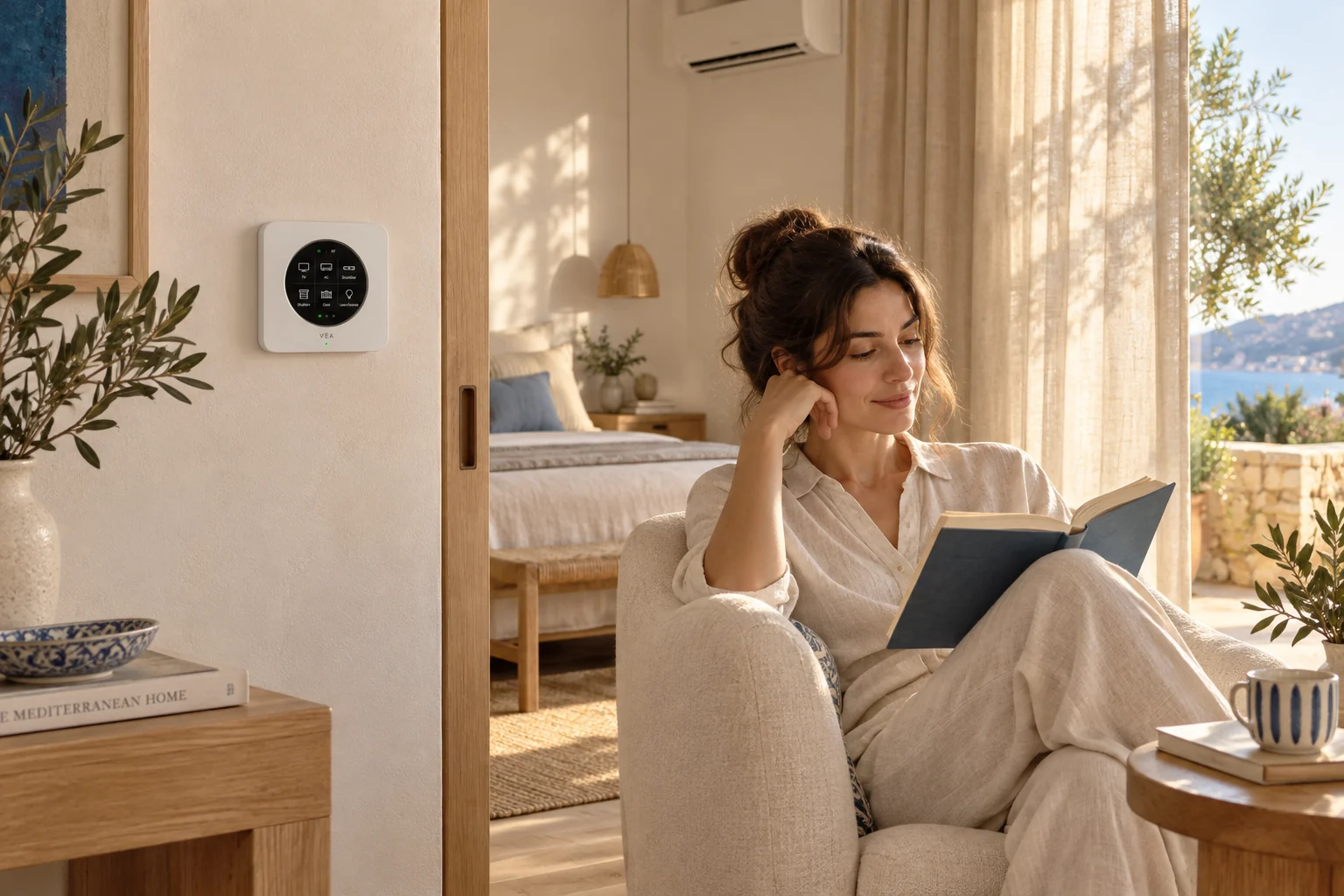 ClimateComfort in every room, without running anything longer than it needs to.
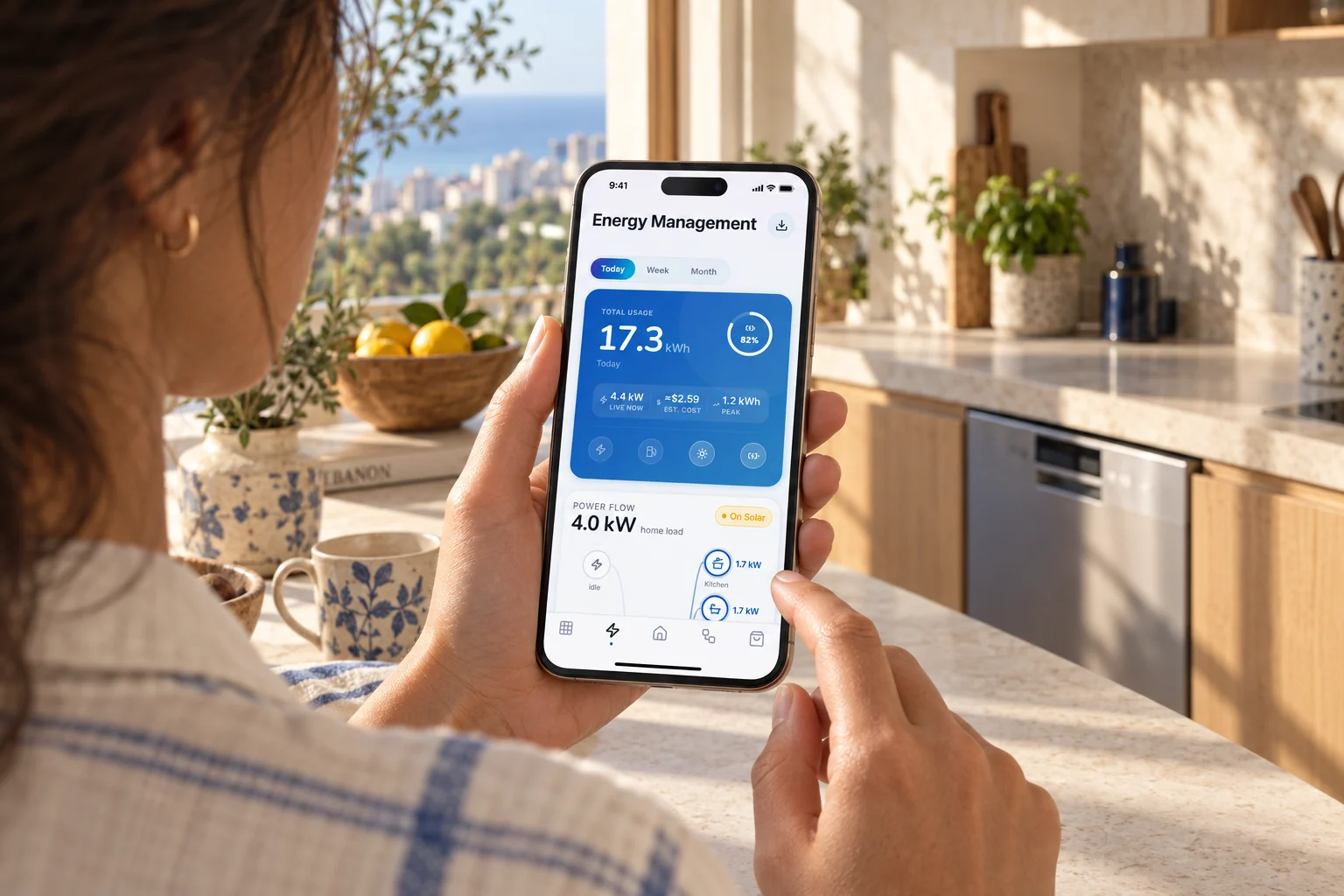 EnergySee where the power goes, and what it costs, as it happens.
 SecurityKnow what is happening at home, and act on it from the app.
 UtilityThe hard-working parts of the house, from the water heater to the robot vacuum.
Come along, step by step
What happens at each stage, and what you have in hand at the end.
List the brands, models and systems in the house, and the everyday actions you care about.
Account link, local network, a hub radio or a bridge: every device gets the path that suits it.
Devices appear in VeaHome by room, with the controls each one really supports.
Build a few shared scenes and test them in the real house before calling it done.
Meet the devices
A light, a temperature reading and a vacuum do not need to come from one manufacturer. We connect the useful functions exposed by each model.
Colour, brightness and a warmer evening, without replacing the light fitting.
Matter over Wi-Fi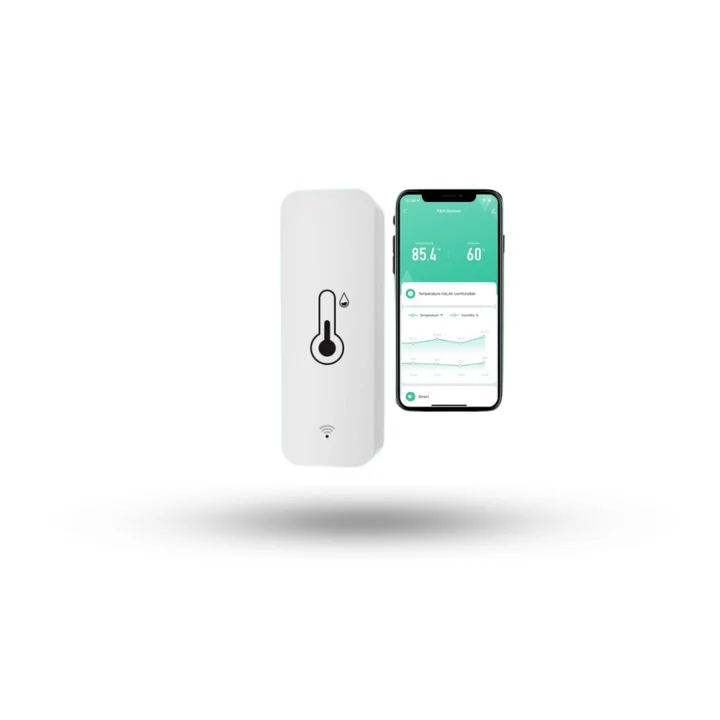
Use temperature and humidity readings to decide when a comfort routine should run.
Wi-Fi · Tuya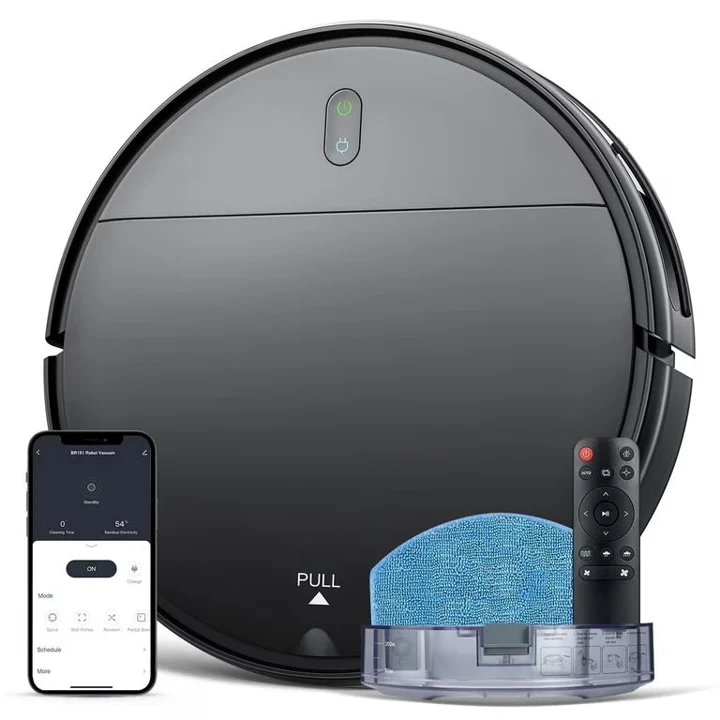
A Tuya-connected robot vacuum and mop. Available controls depend on its integration.
Wi-Fi · Tuya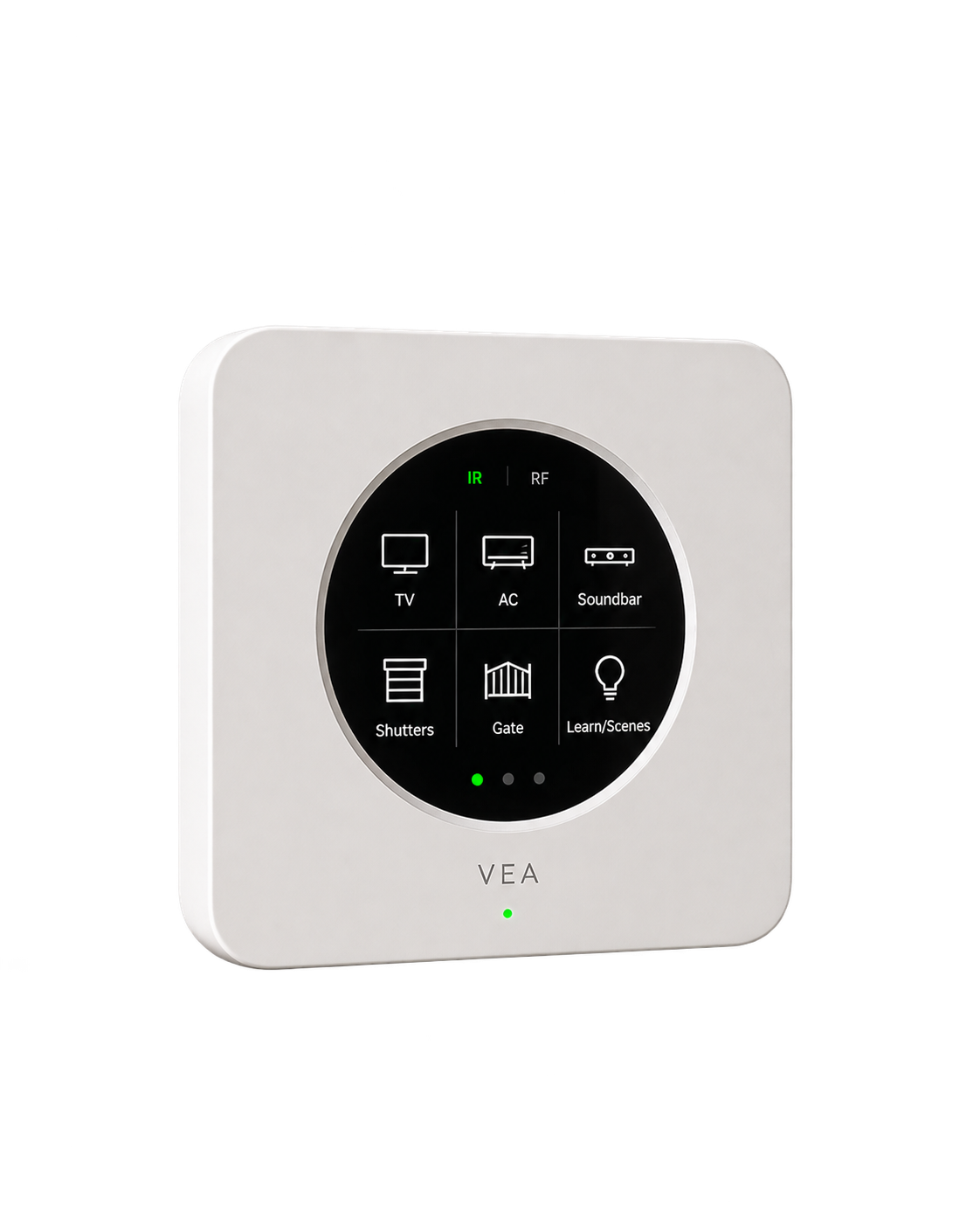
Give compatible infrared appliances a place in your routines.
Infrared · supported RFExamples to help plan your setup. We confirm the model, supported functions and installation requirements before recommending a connection.
The connections behind the experience
Use the equipment you own, add the right interface, and bring the useful controls into VeaHome.
Keep existing accounts and devices where possible. A cloud-only device still needs its maker’s service.
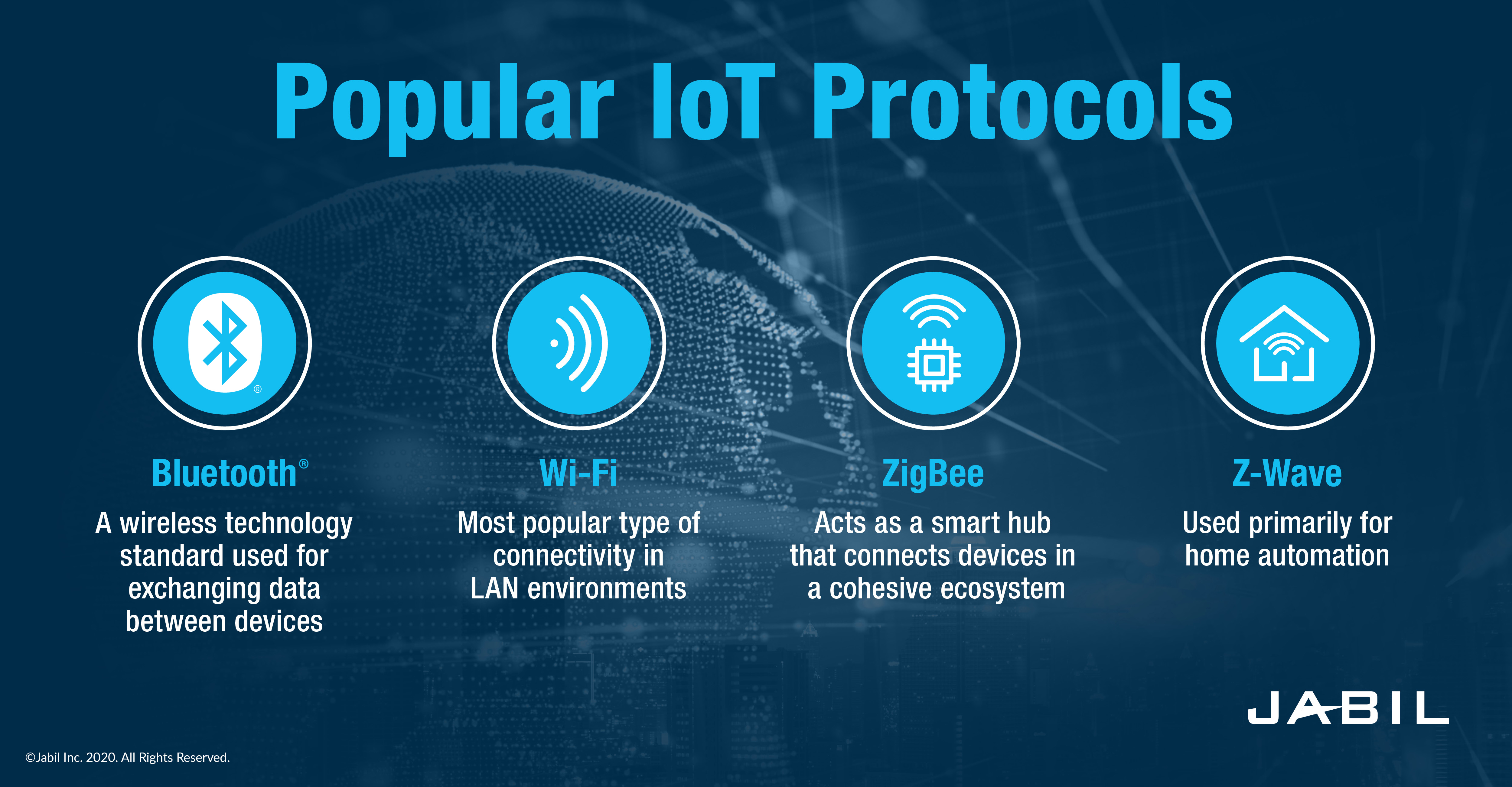
Matter devices and other supported sensors join through the hub, bridge or radio each one needs.
Modbus and other supported interfaces extend an existing installation without replacing everything.

Integrations, hosted for you. Brand integrations that work through a cloud service run on our servers in every plan, or in your home on a VeaHome Local Server. How many brand accounts you can link depends on your plan. Compatible Vea devices and local connections work without a subscription. Cloud-only services still need the internet.
Protocols shown are connection options, not radios built into every VeaHub. We match the controller, adapter or gateway to your devices.
The service, brought to life in VeaHome
Supported devices come together in VeaHome. We help you organise them by room, then build scenes that bring several devices into the same moment.
Explore VeaHome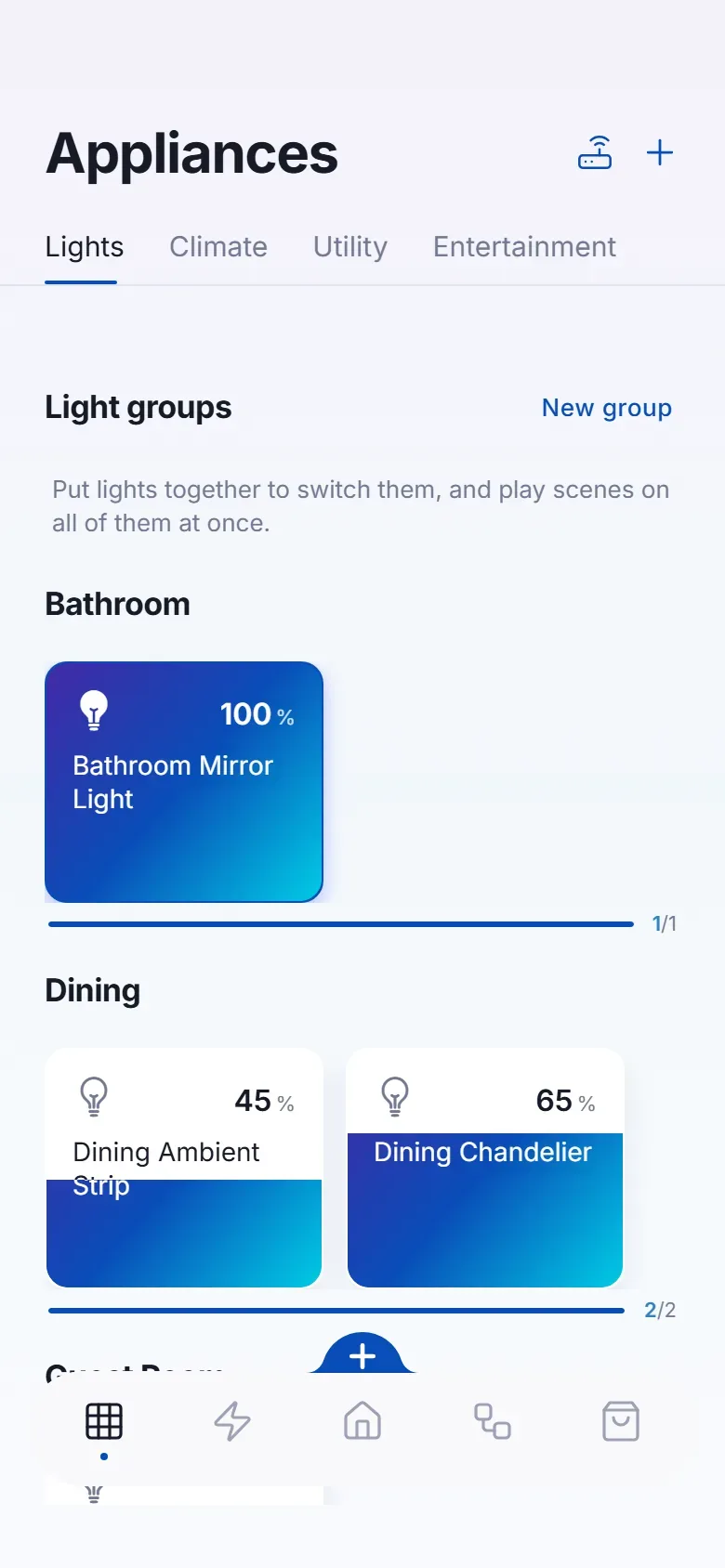
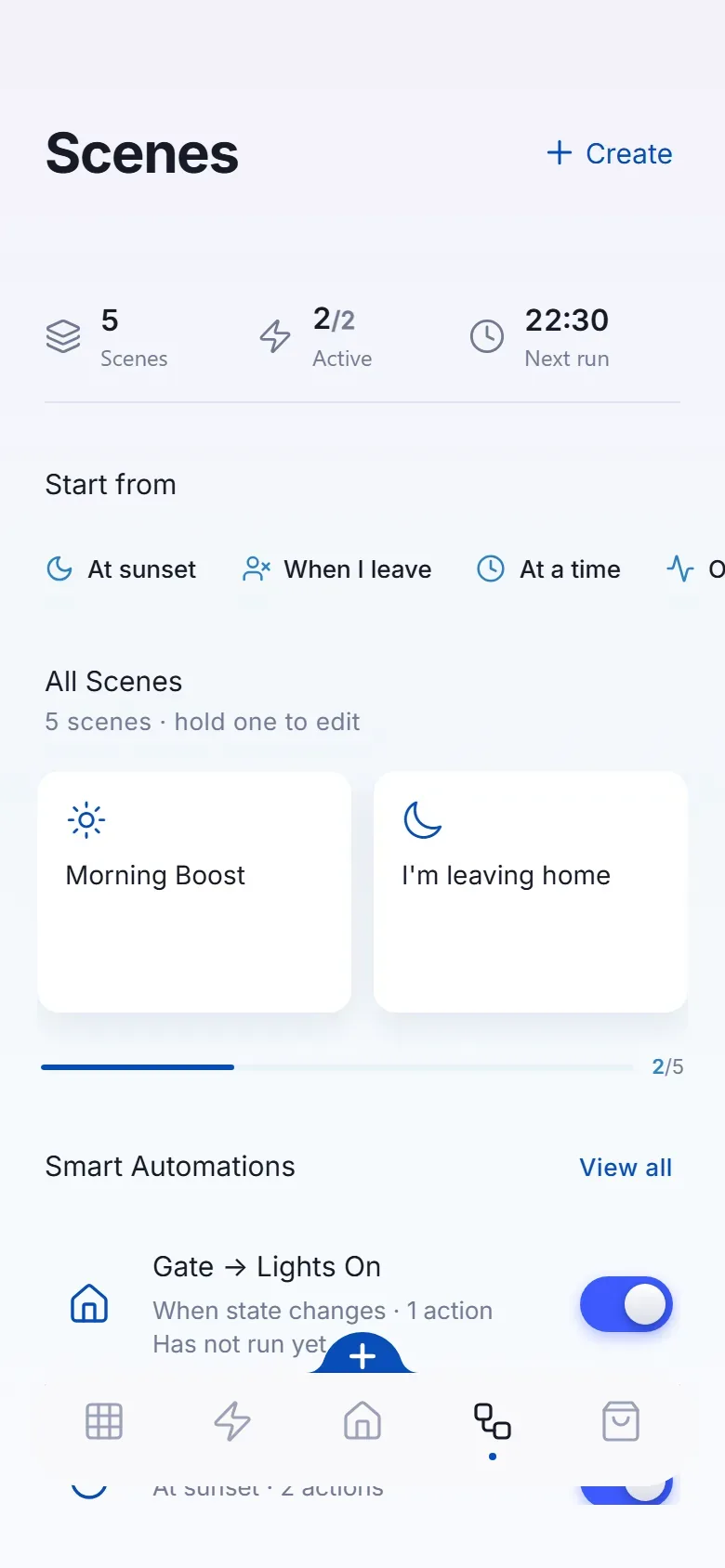
Ideas you can take home
Good questions
No, and we will not pretend otherwise. Most mainstream brands are supported, some only partly, and a few not at all. The compatibility check tells you which before you commit to anything.
No. Your devices stay in their own apps too. VeaHome sits alongside and brings them together.
A device that only talks to its maker's cloud needs the internet to be controlled. Devices reached over your own network or through VeaHub's radios have a local path. We mark which is which.
From an idea to everyday living
Bring your home to life
Start with your devices. We’ll help connect the possibilities.
Talk through your home and goals before choosing your setup.
We review the devices and connection requirements with you.
Replacement support for covered hardware, under the agreed warranty terms.
Setup guidance and care options from the VeaLife team.