A discreet retrofit
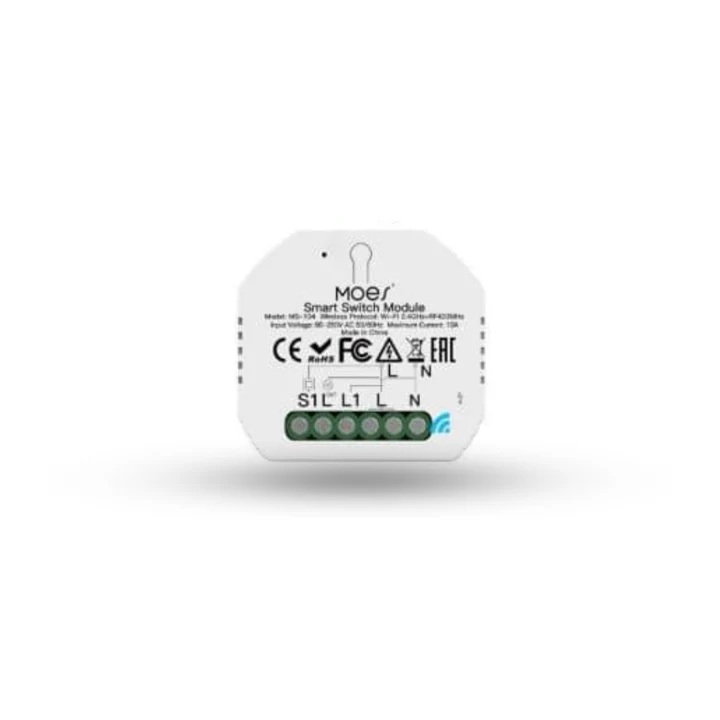
MOES mini switch
A compact module for a suitable existing switch box, installed and tested with your wiring.
Wi-Fi · Tuya03 / Installation
Buying devices is the easy part. Getting them fitted safely, joined to the network, named, placed in rooms and tested as a whole is where a smart home is made or abandoned. We do that with you, and hand over a home you understand.
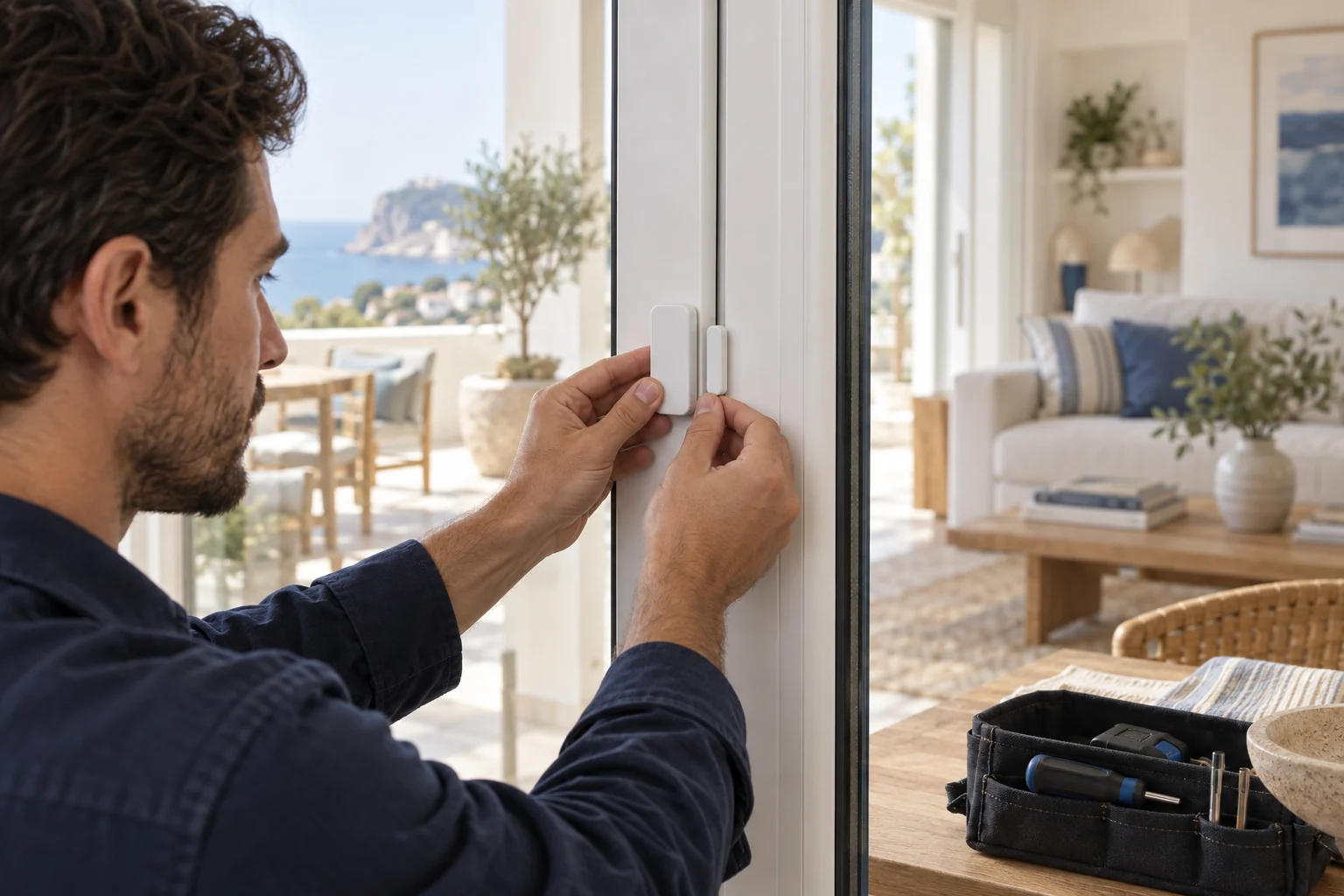
Fitted. Paired. Ready for life.
What is included
Switch modules, sensors, hubs and bridges installed in the right places. Mains work is carried out by a qualified electrician.
Devices joined to your Wi-Fi or to the hub's radios, with the placement checked for range.
Everything organised the way your family talks about the house, so the app reads naturally.
The routines from your plan, built and adjusted with you until they feel right.
Every scene run for real, including what happens when the internet or the power drops.
We show everyone in the house how it works, and leave a short written summary of the setup.
Across the whole home
Set the mood. Find your comfort. Take care of the everyday.
 LightingEvery light in the house, set the way the moment needs.
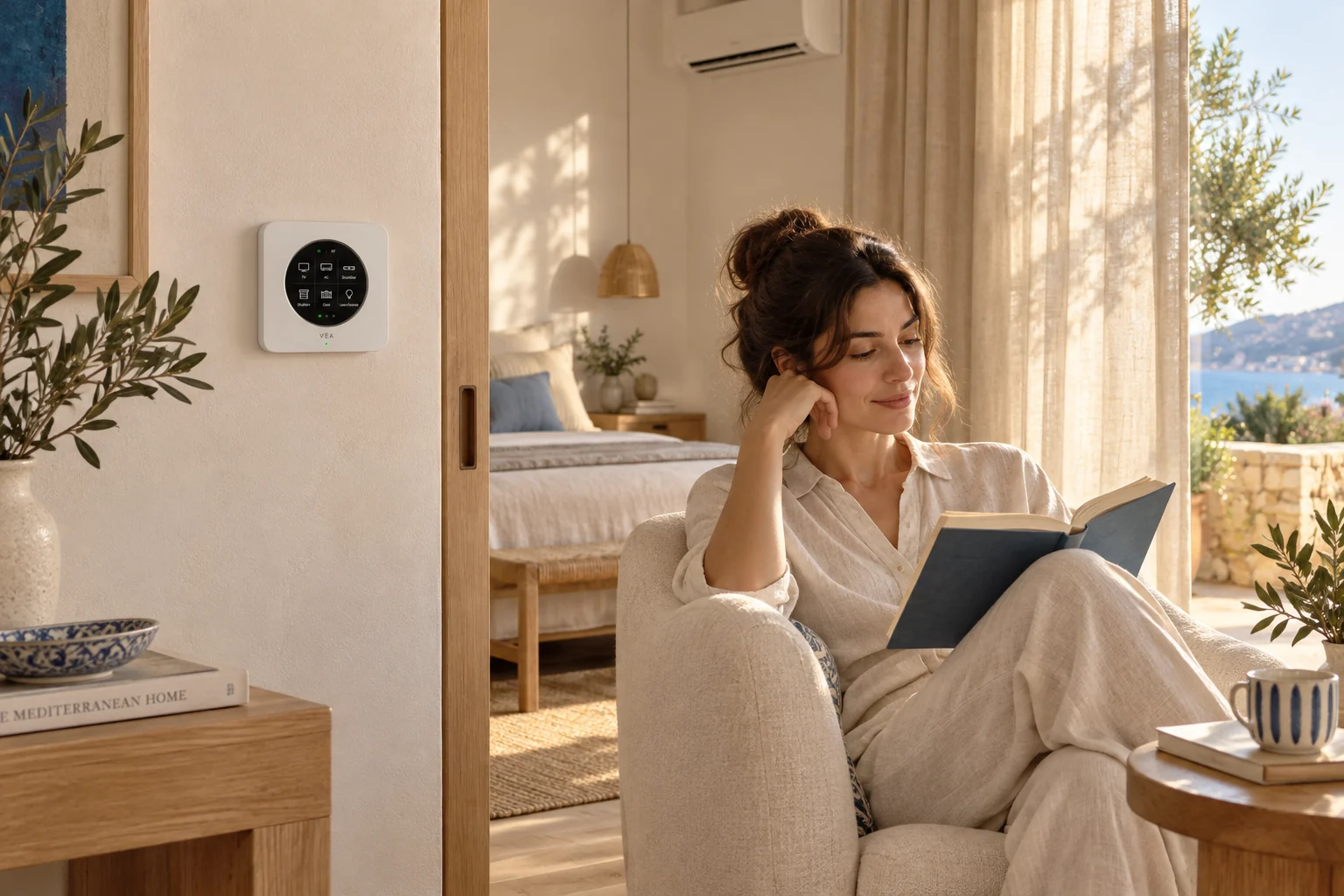 ClimateComfort in every room, without running anything longer than it needs to.
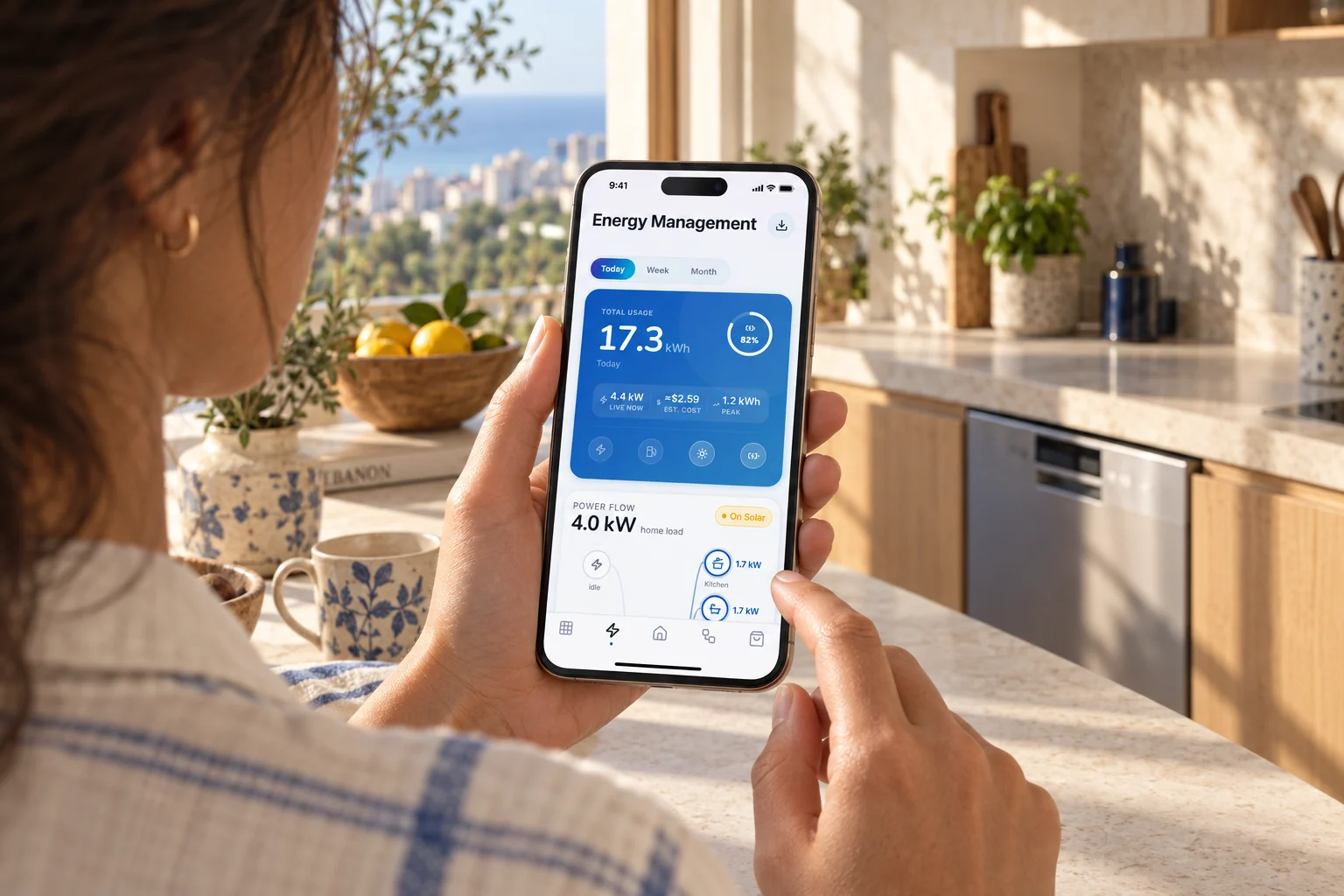 EnergySee where the power goes, and what it costs, as it happens.
 SecurityKnow what is happening at home, and act on it from the app.
 UtilityThe hard-working parts of the house, from the water heater to the robot vacuum.
Come along, step by step
What happens at each stage, and what you have in hand at the end.
We agree the devices, the rooms and the date, and check anything that needs an electrician.
Hardware goes in with as little disruption as possible. Your existing switches keep working.
Pairing, rooms, scenes, then a full run-through in the real house.
A walkthrough for the household, your questions answered, and the summary left with you.
Meet the devices
A retrofit switch box, a remote-controlled AC and a panel meter need different installation work. We plan the fit, check the connection and test the result.
A compact module for a suitable existing switch box, installed and tested with your wiring.
Wi-Fi · Tuya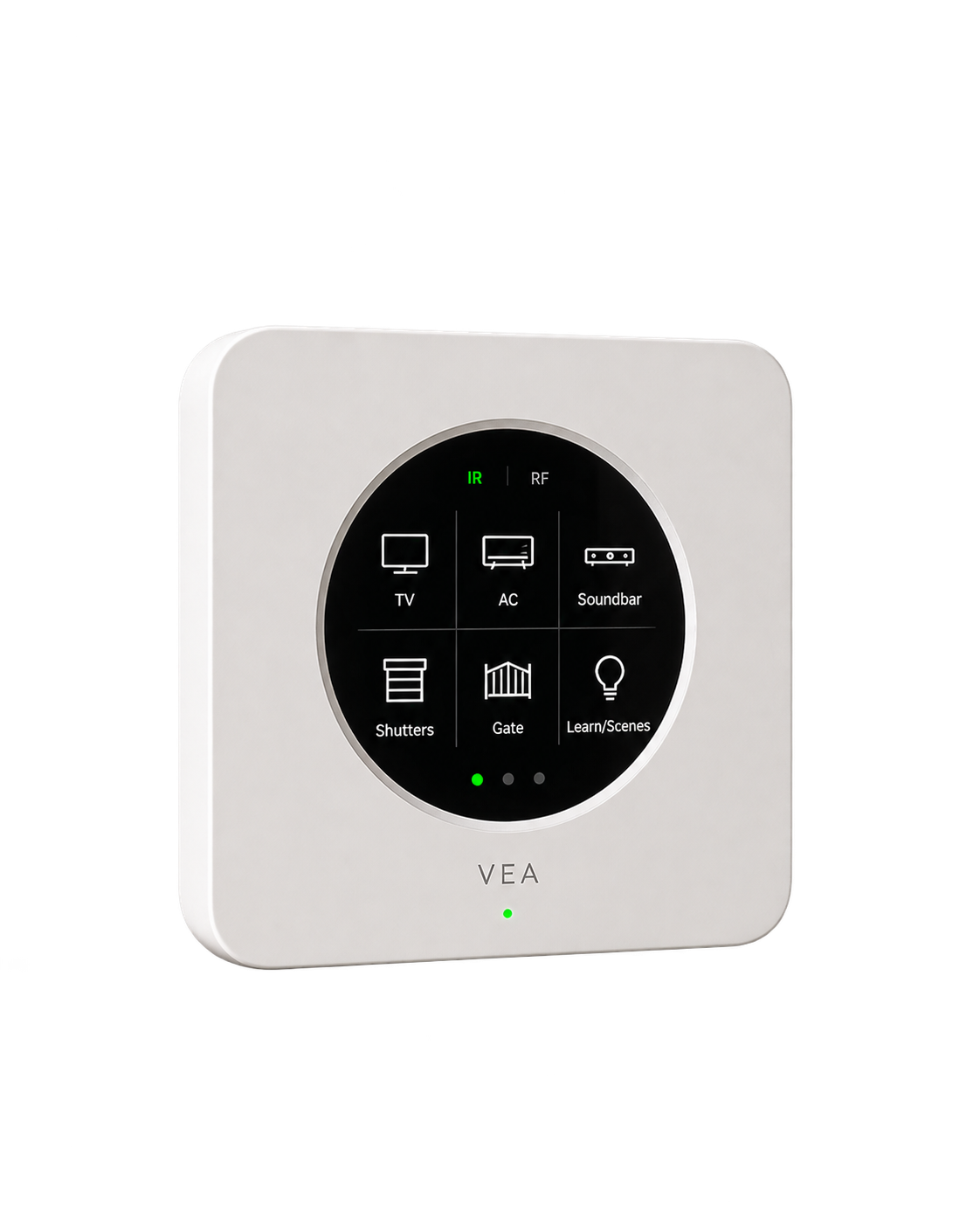
Give compatible infrared appliances a place in your routines.
Infrared · supported RF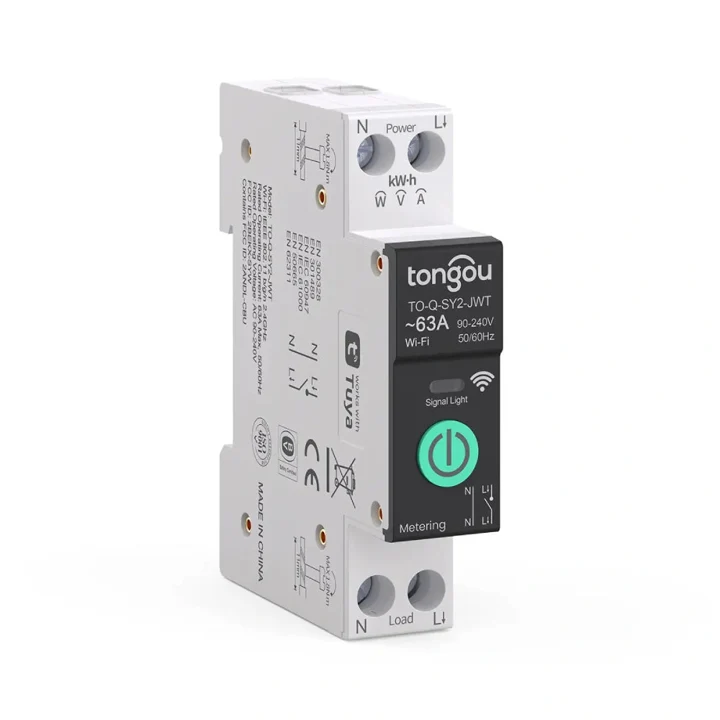
A panel-mounted option for metering and switching a suitably rated circuit.
Model-specific integration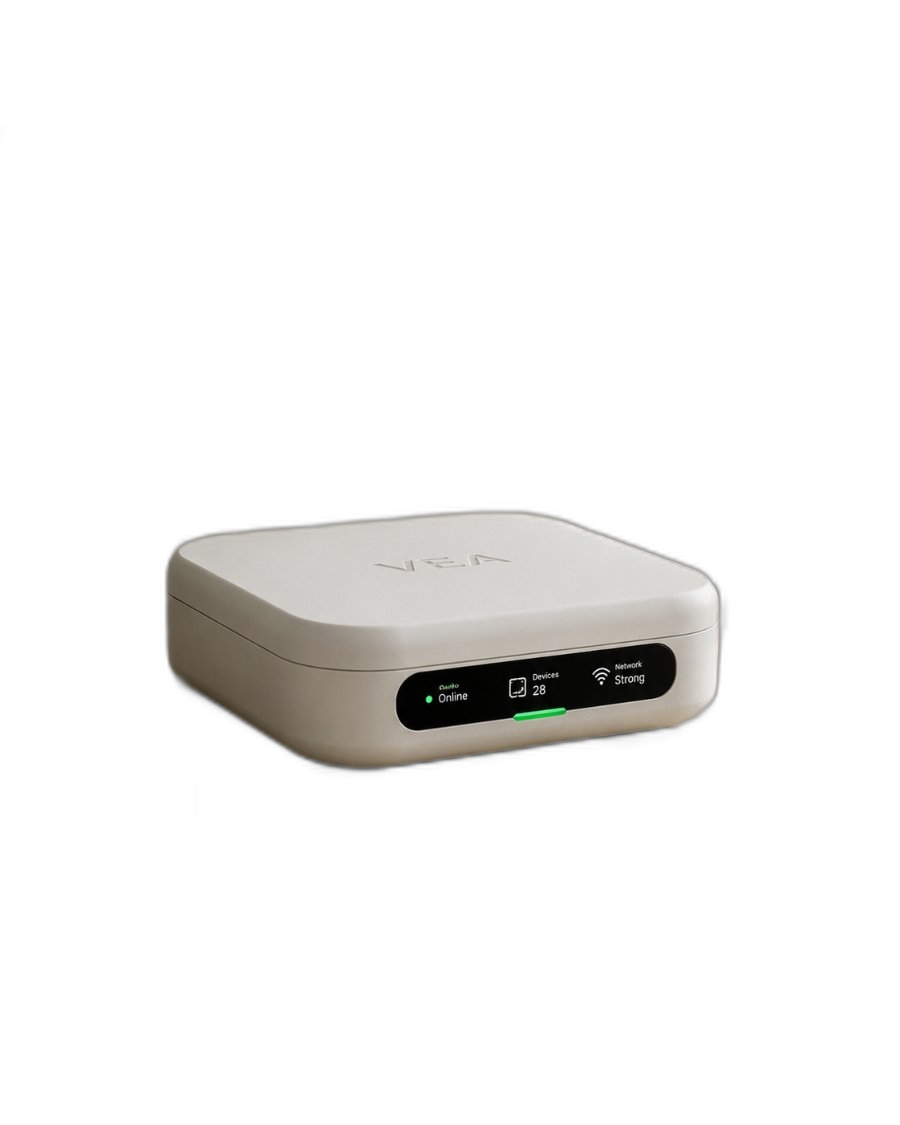
Connect suitable devices and interfaces, then organise them as one home in VeaHome.
Local network · compatible interfacesExamples to help plan your setup. We confirm the model, supported functions and installation requirements before recommending a connection.
The connections behind the experience
Use the equipment you own, add the right interface, and bring the useful controls into VeaHome.
Modbus and other supported interfaces extend an existing installation without replacing everything.
Matter devices and other supported sensors join through the hub, bridge or radio each one needs.
Keep existing accounts and devices where possible. A cloud-only device still needs its maker’s service.
Existing networks and suitable interfaces can work together.

Integrations, hosted for you. Brand integrations that work through a cloud service run on our servers in every plan, or in your home on a VeaHome Local Server. How many brand accounts you can link depends on your plan. Compatible Vea devices and local connections work without a subscription. Cloud-only services still need the internet.
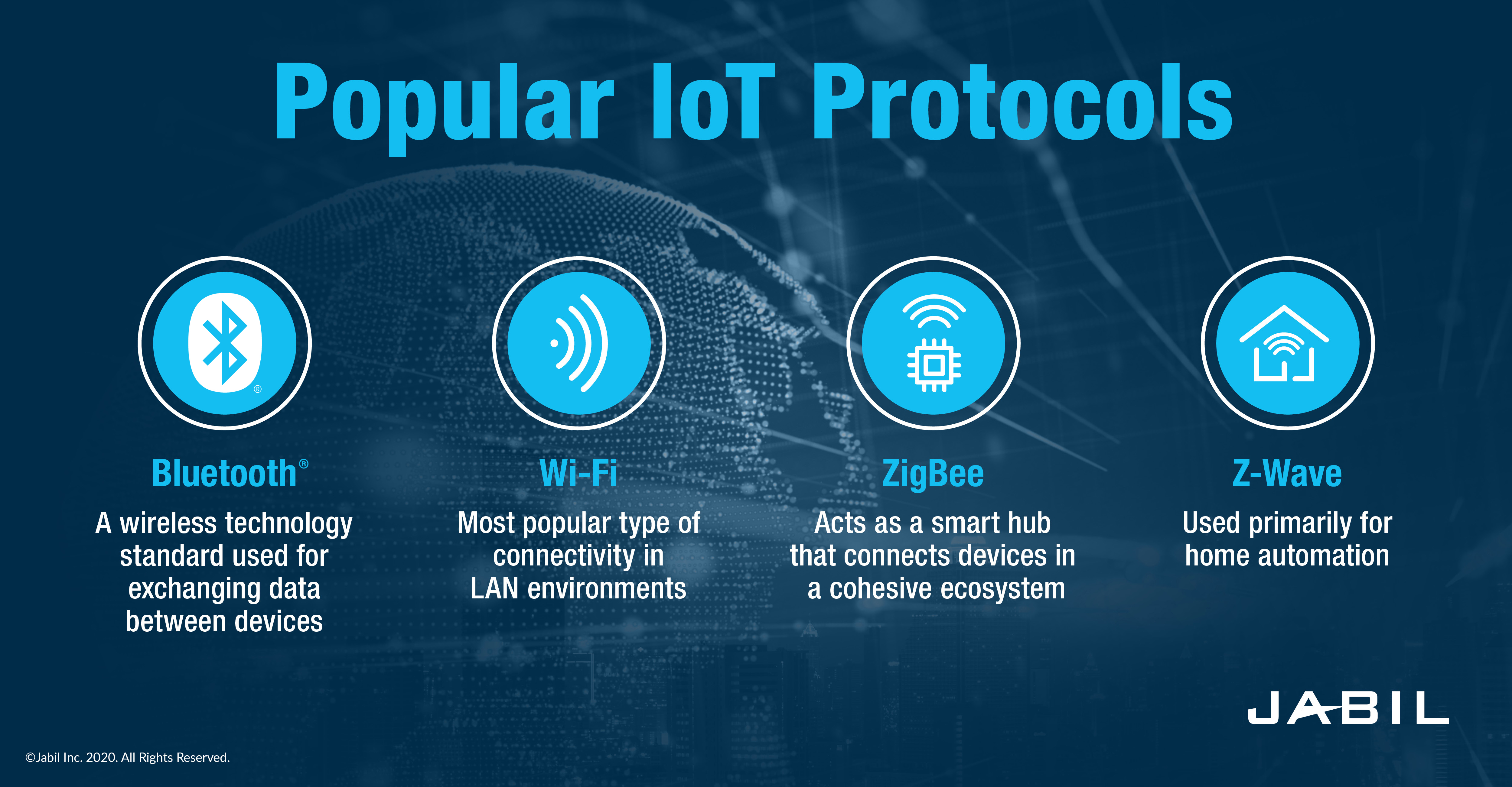
Protocols shown are connection options, not radios built into every VeaHub. We match the controller, adapter or gateway to your devices.
The service, brought to life in VeaHome
We organise your rooms, check your devices and walk you through the app. Your favourite controls and scenes are there when you need them.
Explore VeaHome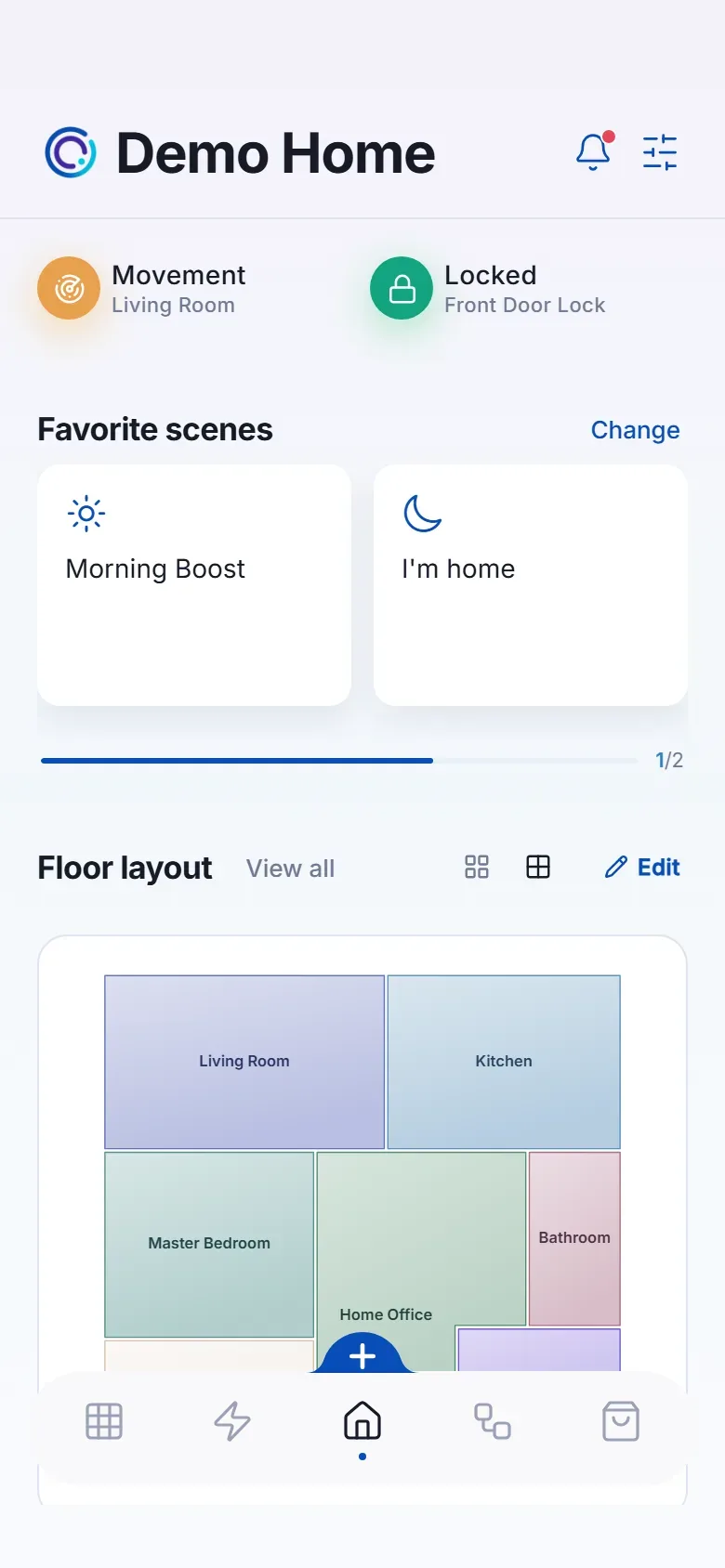
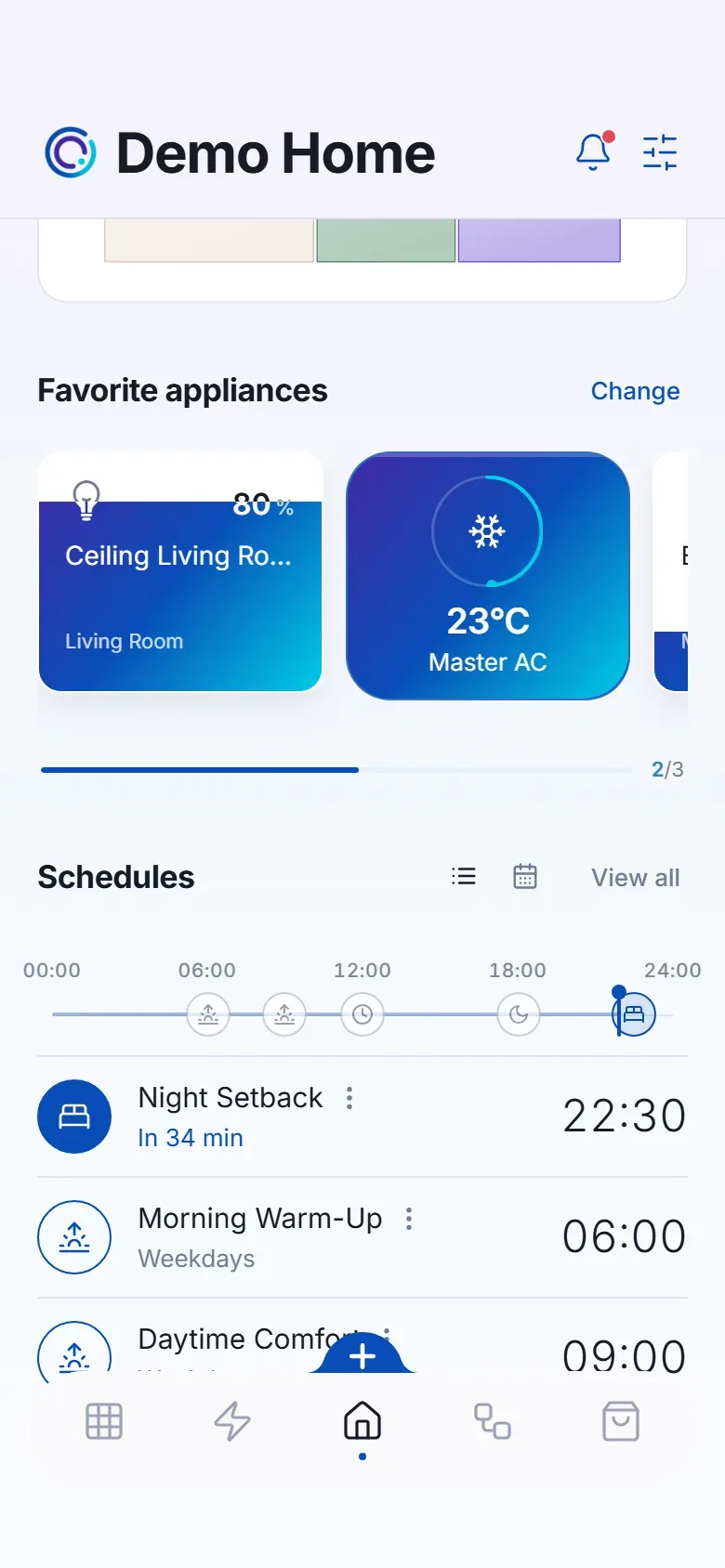
Ideas you can take home
Good questions
Anything connected to mains wiring is carried out by a qualified electrician. We coordinate it and handle everything on the smart side: pairing, configuration, scenes and testing.
Often, yes. Plugs, bulbs, sensors and hubs are straightforward, and the app guides you through adding them. We recommend an electrician for anything behind a switch or on a heavy load.
We are based in Lebanon and install locally. For homes elsewhere we can plan and configure remotely, working with your own electrician.
From an idea to everyday living
Bring your home to life
Start with your devices. We’ll help connect the possibilities.
Talk through your home and goals before choosing your setup.
We review the devices and connection requirements with you.
Replacement support for covered hardware, under the agreed warranty terms.
Setup guidance and care options from the VeaLife team.